© 2006 GE ECM by Regal-Beloit
- 27 -
Indoor Blower Motors
v0.2
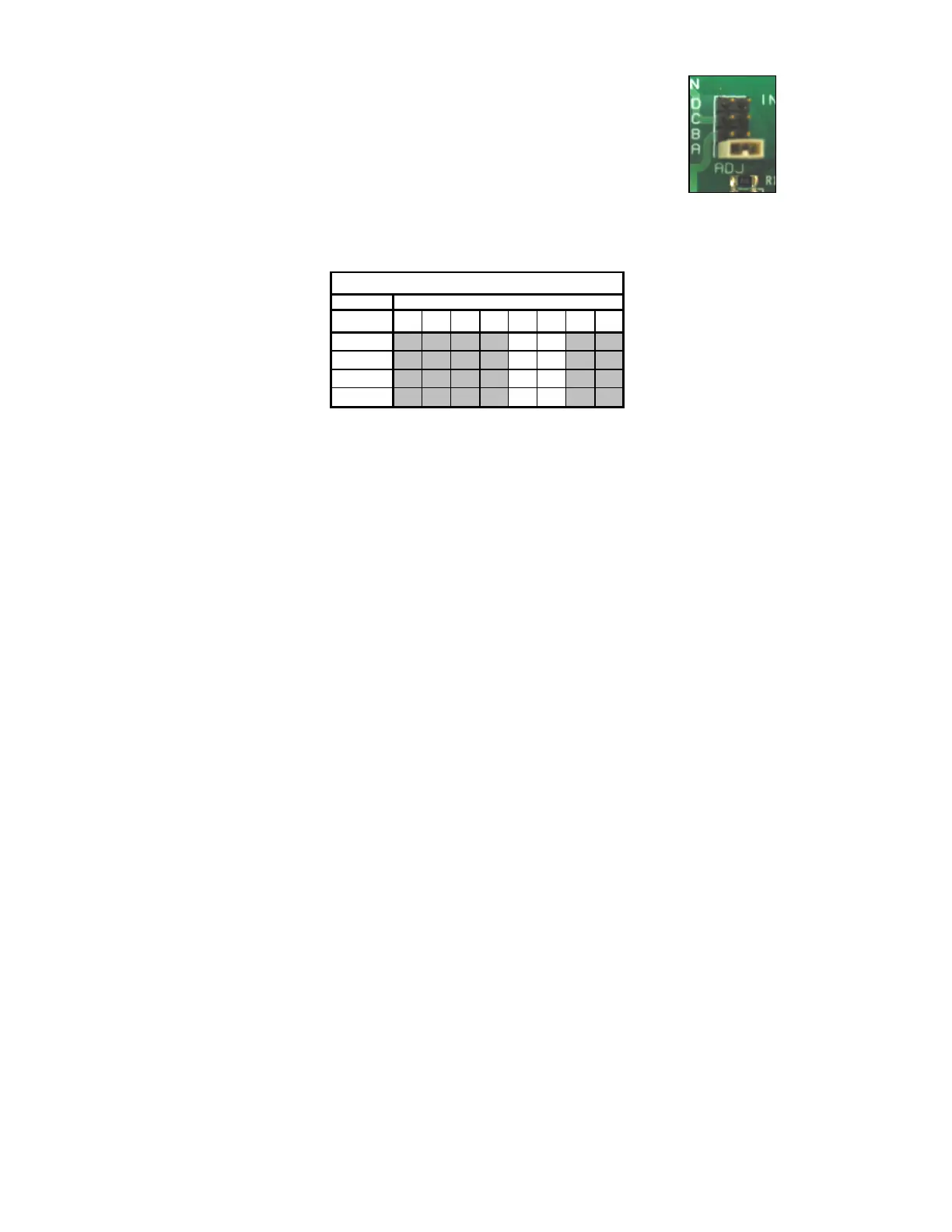
Trim/Adjust Multipliers Settings
Installation
- This setting is usually factory set at the normal position (no trim).
Example of Airflow Table
- This setting is capable of adjusting the airflow as much as ± 15%. However
smaller changes may be programmed into the motor by the OEM (i.e. 7%,
10%, 12.5%).
- This setting may be factory programmed to adjust either the cooling airflow,
heating airflow or both cooling and heating airflows together. Trim can be
selected to optimize airflow for each unique installation.
- Changes to the trim are NOT implemented until the motor is cycle off and on.
- Changes to the trim are typically not needed if the system is matched
and set up properly. Adjustments to this setting should only be made
following the factory recommendations.
Benefits
- The trim setting is good for tailoring a system for specific comfort and
dehumidification needs.
- Per OEM specifications the trim could be adjusted up or down to enhance the
temperature rise, provide additional dehumidification (increased latent
capacity) or less dehumidification (increased sensible capacity).
Tech Tip
- Before making changes to this setting you must know what affect it will have
on these airflow settings.
- If this setting affects both and the change is being made to adjust the cooling
airflow, the temperature rise will also be affected. This may require the
heating setting to be adjusted for proper temperature rise after this setting has
been changed.
TEST
+ Trim
- Trim
No Trim
CFM
1 2 3 4 5 6 7 8
A Norm
0 0
B +10%
1 0
C -10%
0 1
1 1
Dip Switch Number
Trim/Adjust Airflow Selection



 To Next Page