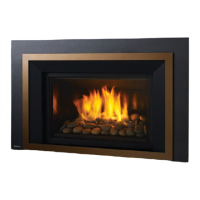
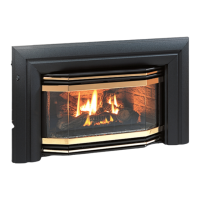
Regency E21 Gas Fireplace Insert
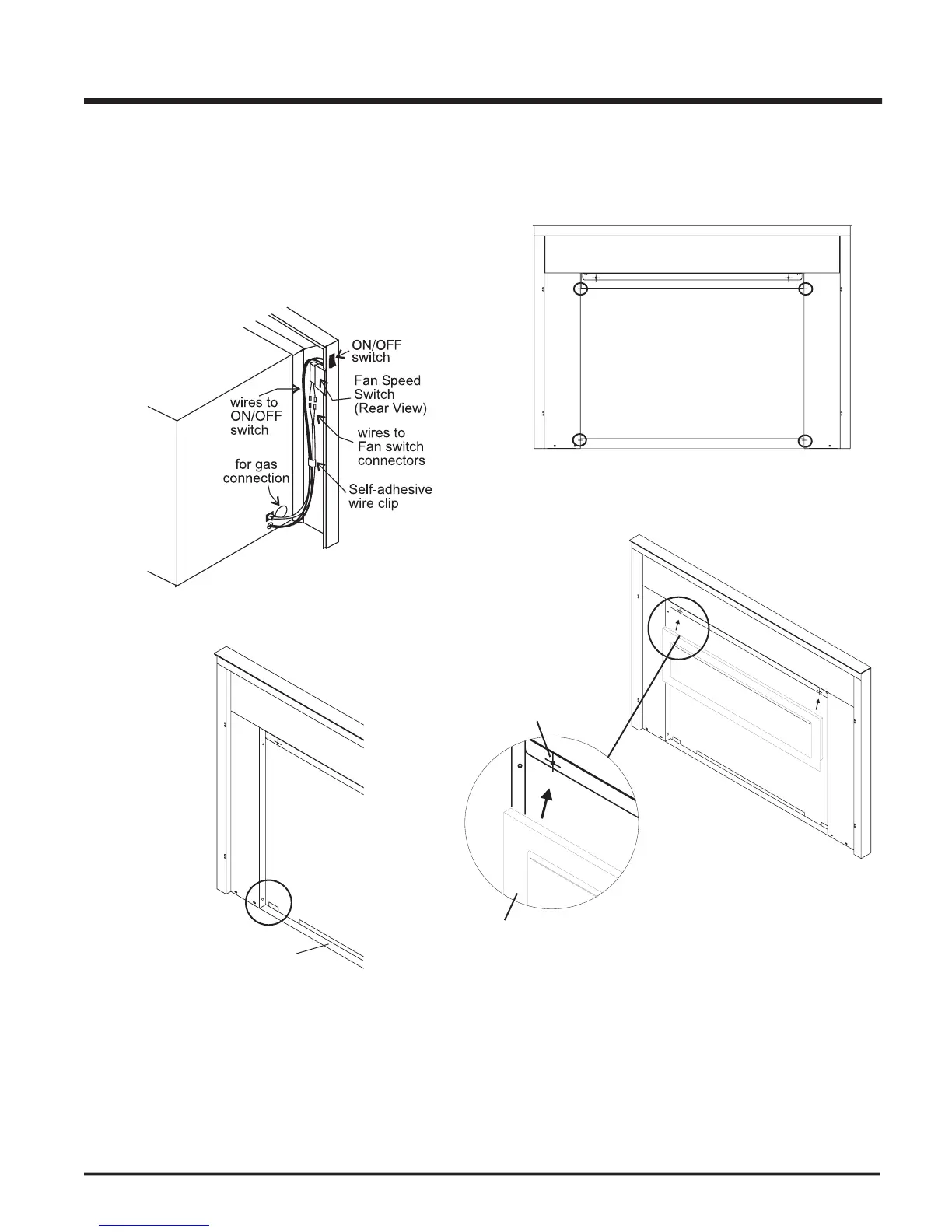
Hold the full screen door up against the unit in order to make the
following wire connections.
Pull the ON/OFF connector wires thru the box and connect them to
Connect the fan switch wires with the wire connectors from the fan
speed control. Place clips over wires and tuck into side trim.
Lift the unit up slightly and push down on the corners of the Bottom
Trim Bracket and slide under unit.
Completely secure full screen door to the unit by securing 4 screws
to the Left and Right Side Trim.
Secure the Top Frame by sliding it on the screws at the top of the full
screen door. It is held in place by magnets.




 To Next Page