Regency
®
U39E-11 ULTIMATE™ Freestanding Gas Stove | 43
operating instructions
Battery Backup
To operate the stove during a power outage or when power is
not available see the following steps.
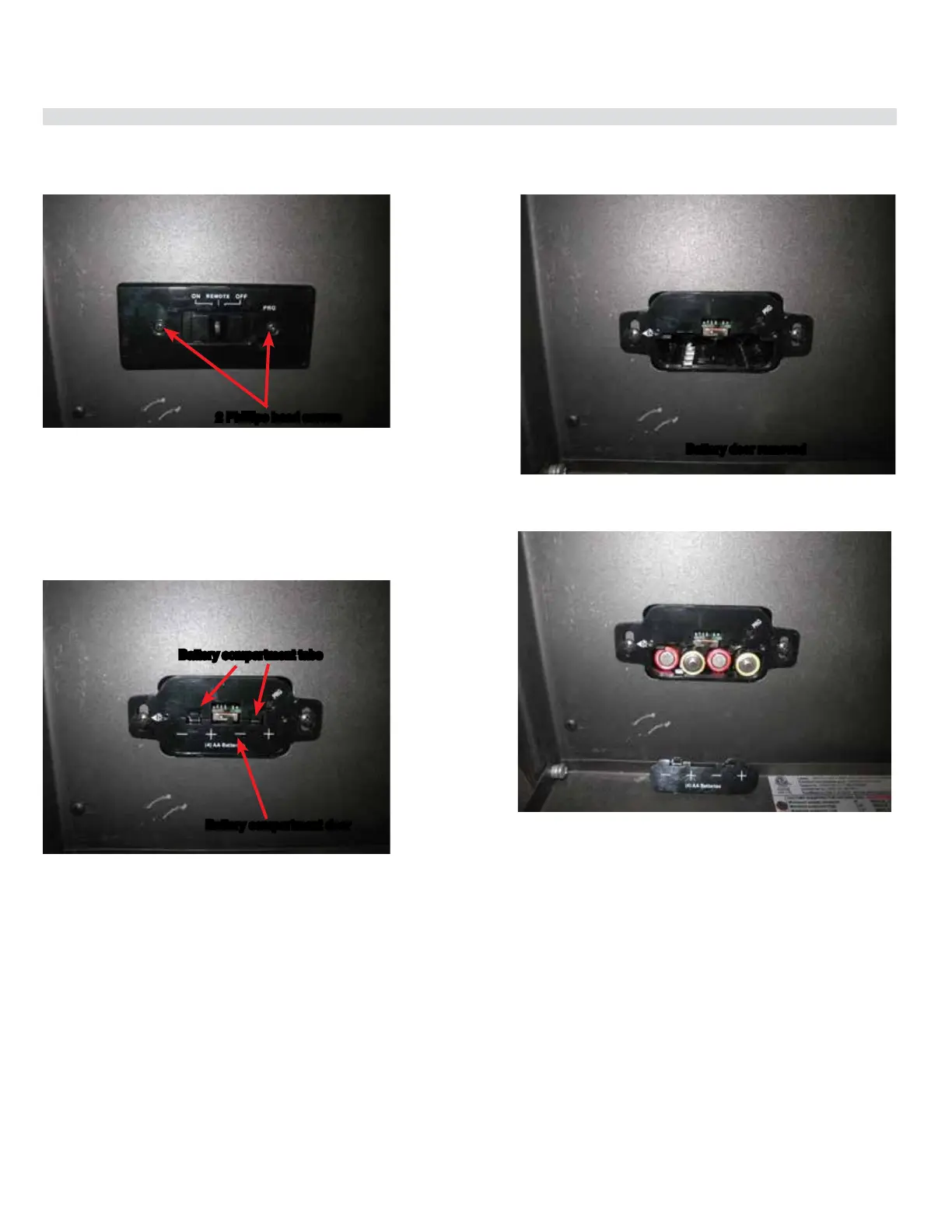
Diagram 1
2 Philllips head screws
1. Open up front pedestal door. Remove 2 Phillips head screws
to remove cover plate. Place screws to the side.
See diagram 1.
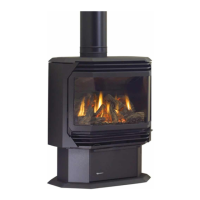
Diagram 2
Battery compartment door
Battery compartment tabs
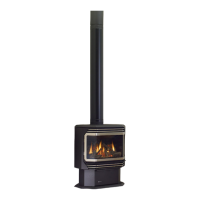
2. Press down on both tabs to remove battery compartment
door. See diagrams 2 and 3.
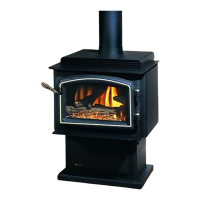
Diagram 4
Diagram 3
Battery door removed
3. Install 4 AA batteries ensuring they are polarity correct.
See diagram 4.
4. Reverse steps 3-1.



 To Next Page