5 – MOUNTING:
5.1 Fixing the 7” TFT LCD Monitor (Fitted):
5.1.1 Unpacking:
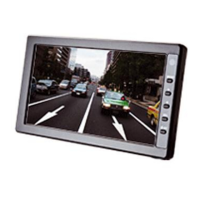
Remove the system from its box carefully and its plastic protection.
Remove the plastic bag from the monitor and
place the monitor over a safe surface to avoid
falls.
Remove the screen protector film only when
the installation is finished.
5.1.2 Before Installing:
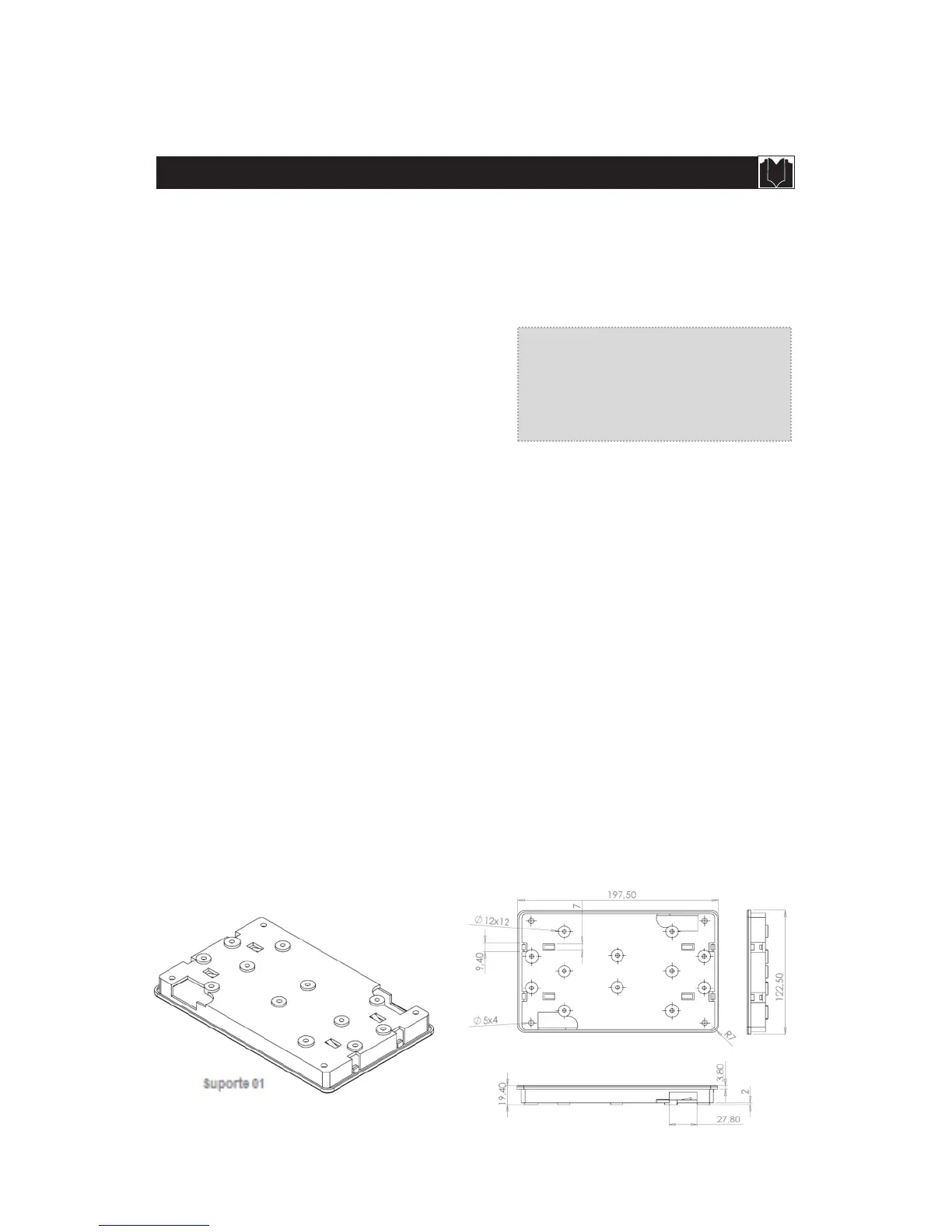
Separate the Base “01” and verify the best location where it may be installed allowing the
best driver’s vision.
Cut out the place where the base will be fitted. This cut must have
Width=117mm /
Height=19mm / Depth > 19mm
Fit the base into the cut and screw it to the vehicle’s chassis. (In some cases will be
necessary a fastening system for this base. It is a service personnel criteria where and how
the system will be used).
Pass the power cord through the hole and fit the monitor.
Connect the power cord, trigger, camera and 12Vdc output cameras. (See figure 8 –
Connection Diagram).
Remove the screen protector film.
5.1.3 Fitted support diagram:


 To Next Page