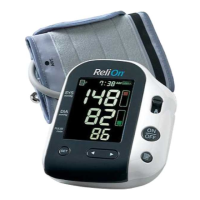
SETTING THE DATE AND TIME
9
Set the monitor to the current date and time before taking a measurement
for the first time. If the correct date and time are not set, the measurement
values stored in the memeory and the value will not be correct.
The Blood Pressure Monitor automatically stores up to 30
measurement values. The monitor also calculates an average reading
based on the three most recent measurements taken within 10 minutes
of the last reading.
NOTE:
• If only two readings are stored in the memory for the 10-minute
period, the average is based on the two readings.
• If one reading is stored in the memory for the 10-minute period,
this reading is displayed as the average.
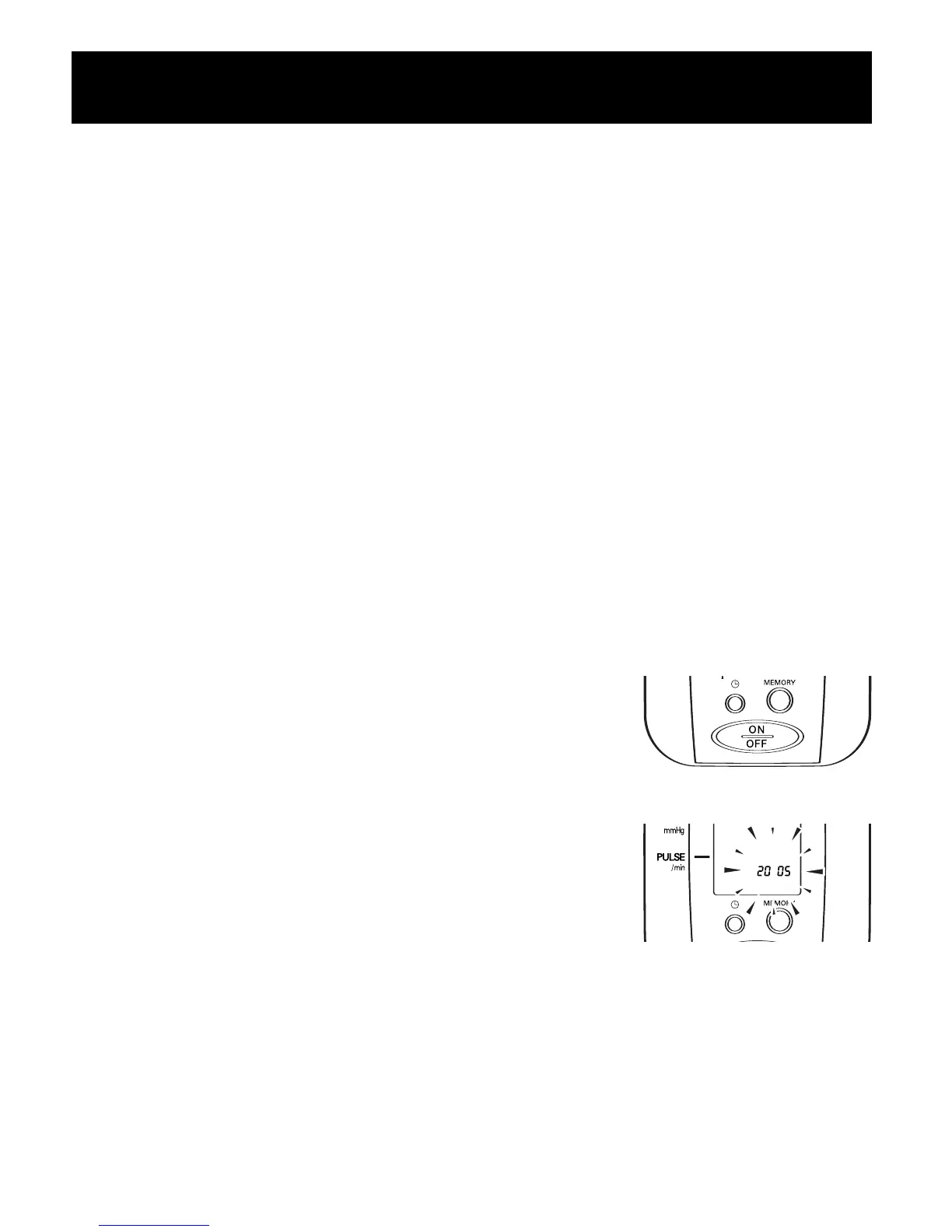
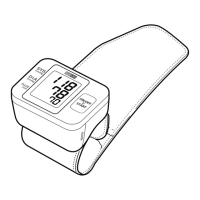
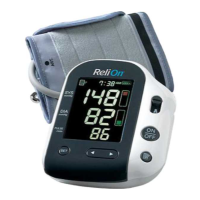
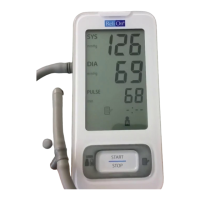
1. TO START THE SETTING PRESS THE
ON/OFF BUTTON
Press the Date/Time Setting button to
adjust the date and time.
The year flashes on the display.
412CRELN2 IM.tif 1/23/06 9:23 AM Page 9



 To Next Page