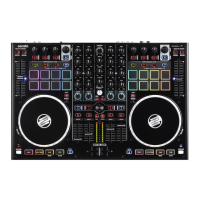
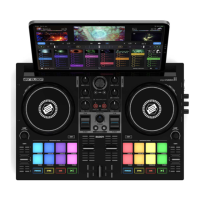
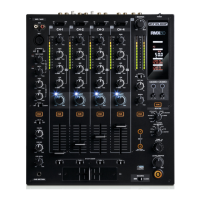
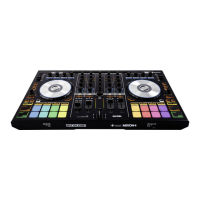
RELOOP MIXON 4
FIRMWARE UTILITY SETTINGS
6. ADJUST LED BACKLIT INTENSITY
All button LEDs have a backlight feature to ensure best performance and
visibility in dark environments.
Press and hold the BROWSE
encoder while powering on
the unit
Turning the BROWSE encoder
will adjust the LED intensity in
real time.
Press the BROWSE encoder to
save the new value.
7. ADJUST CROSSFADER CUT-IN
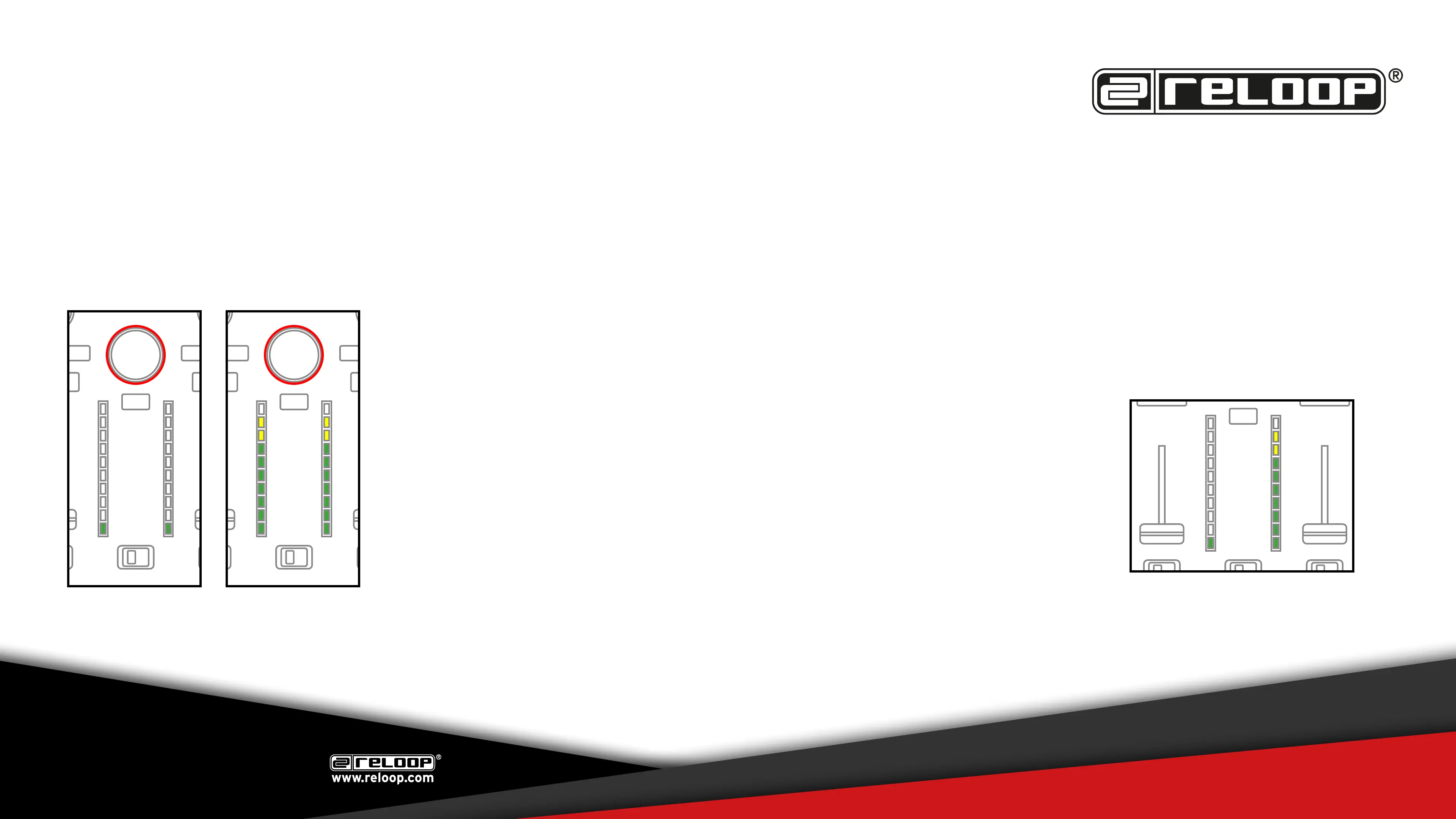
The crossfader CUT-IN (cut lag) can be adjusted on both sides of the crossfader in in-
crements of 0.1mm.
Press and hold the (FX-)TAP button while powering on the unit
The CUT-IN (cut lag) can be adjusted by turning the BROWSE encoder. The current value is
displayed by the VU-Meter.
One lit LED on the left VU-Meter indicates 1mm.
One lit LED on the right VU-Meter indicates 0.1 mm
In the example on the right the current set cut lag is 1.9 mm:
Press the BROWSE encoder to save the new value.
The default value is 1 mm.
Revision v2 (11/16)
PLEASE REGULARLY CHECK FOR
UPDATES ON WWW.RELOOP.COM


 To Previous Page