25252
4
NU747_1_G2-FRA.qxd 12/01/05 14:47 Page 2.42
BC85 - NU747-1
C:\Documentum\Checkout\NU747_1_T2-ENG.win 23/2/2005 16:21
- page 42
2.42
QUICKSHIFT GEARBOX (continued)
Starting
Switch on the ignition.
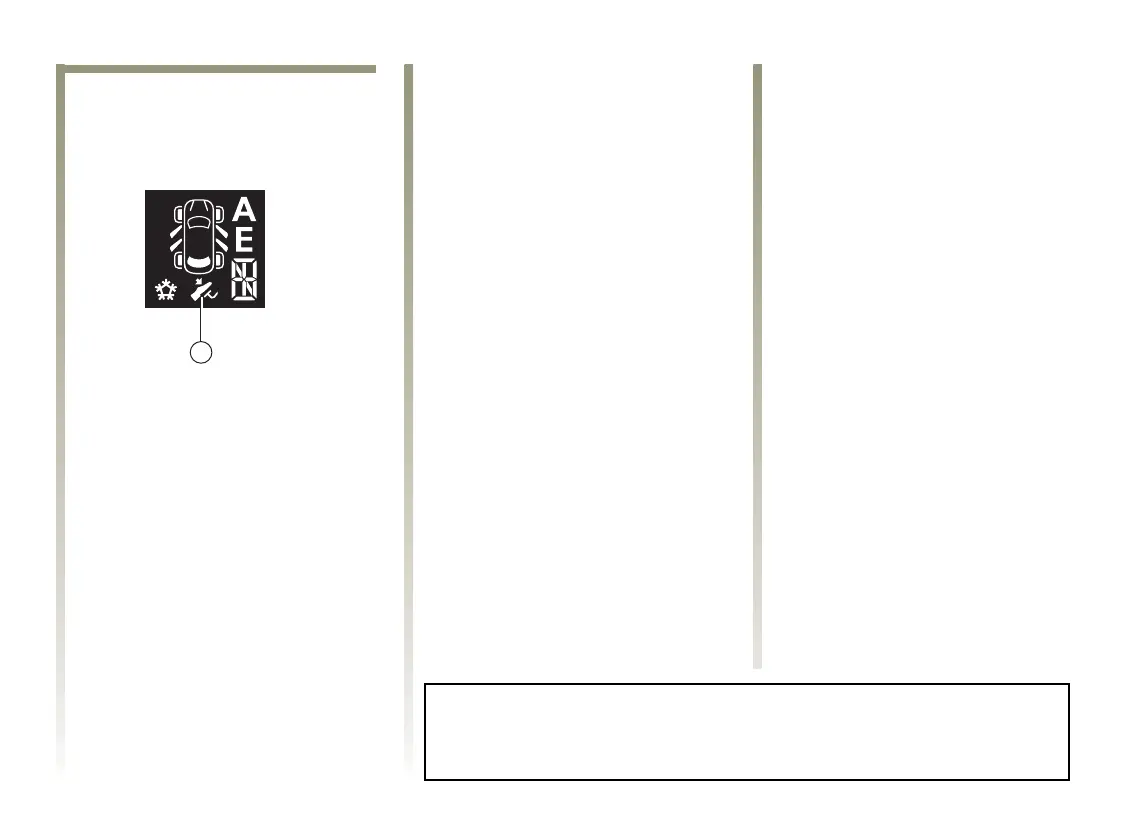
The display lights up on the
instrument panel.
If neutral N is displayed, start the
engine but do not accelerate.
If a gear other than neutral N is
displayed, the display will flash. It
will then only be possible to start
the engine if you depress the brake
pedal (warning light 4 will light up
if you forget) and the ignition key is
in the starting position or you have
the RENAULT Card.
Neutral N will then be selected
automatically and the engine will
start.
You may also select neutral after
switching on the ignition by
pushing the lever to the right whilst
depressing the brake pedal.
When the engine is running,
automatic mode will be selected by
default.
Note: do not attempt to bump start
the engine if the battery is
discharged (the display remains off
when the ignition is switched on).
Starting up
Driving forwards (from neutral)
The gear display shows N and A.
• With your foot on the brake
pedal, push the selector lever
forwards and then release it.
• Take your foot of the brake pedal
and accelerate gently to drive
forwards.
The level of oil in the automatic transmission system tank varies according
to use. Adding oil is strictly forbidden (except by qualified RENAULT
Network personnel).
Reverse gear (vehicle stopped)
• With your foot on the brake
pedal. Push the selector lever
towards the right and to the rear
as shown at the base of the lever,
and then release it. Reverse gear is
engaged and the letter R appears
on the display.
• Release the brake pedal:
- the engine idle speed is
sufficient for parking
manoeuvres.
- accelerate gently to reverse.
You may shift from reverse gear to a
forwards gear by pushing the lever
forwards once the vehicle is
stationary.
Note: you should depress the brake
to engage or disengage a gear when
stopping. Otherwise, warning light
4 will light up.













 To Next Page