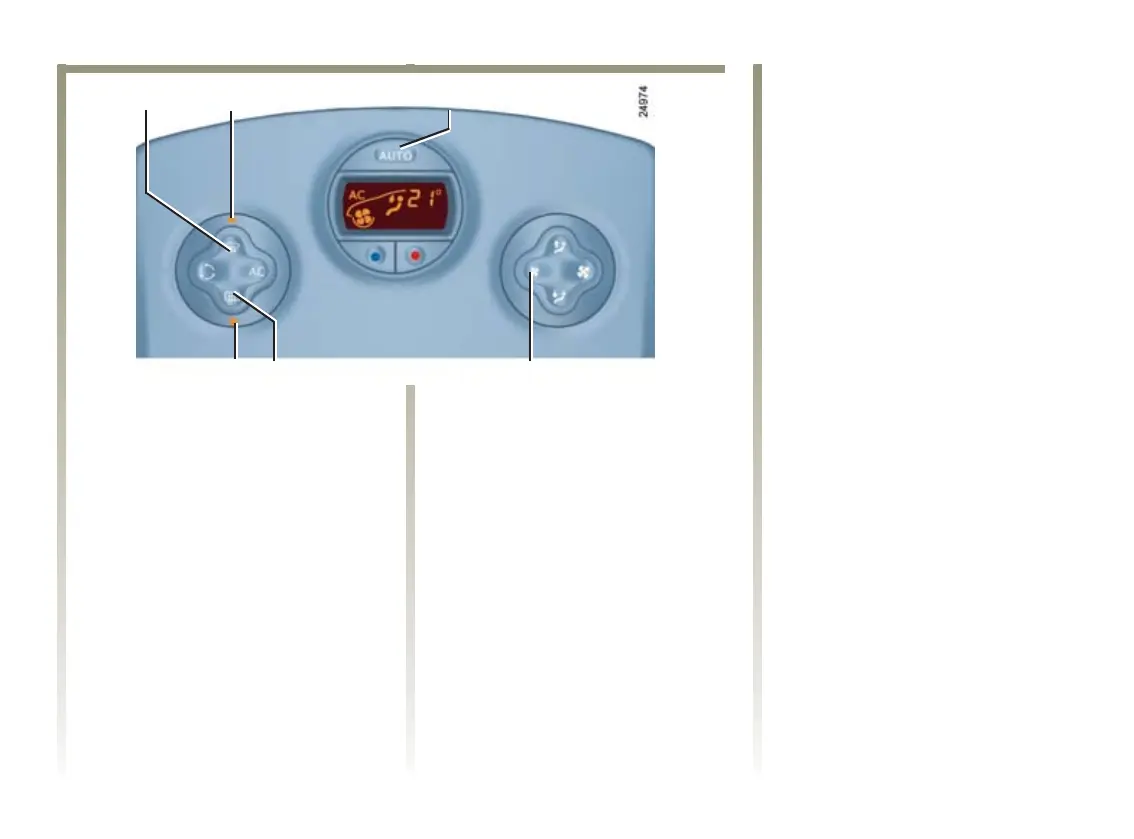
12 6
13 12 11
NU747_1_G3-FRA.qxd 12/01/05 14:48 Page 3.15
BC85 - NU747-1
C:\Documentum\Checkout\NU747_1_T3-ENG.win 23/2/2005 16:32
- page 15
3.15
CLIMATE CONTROL (continued)
“Clear view” function
Press button 1, operating indicator 2
lights up.
The AUTO button indicator light
(on the display) switches off.
This function rapidly
demists/de-ices the windscreen, the
front side windows and the door
mirrors (depending on the vehicle).
It imposes automatic operation of
the air conditioning, inhibits
recirculation and activates heating
of the rear screen (indicator
light 13).
Press button 12 if you do not want
rear screen heating to be activated,
indicator light 13 goes out.
Note.: ifyouwishtoreducetheair
flow (which may produce a certain
amount of noise in the passenger
compartment), press button 11.
To exit this function, press either:
-button1 again,
-button6 (the AUTO warning light
on the display illuminates).













 To Next Page