2518225182
25274
NU747_1_G1-FRA.qxd 17/02/05 9:24 Page 1.75
BC85 - NU747-1
C:\Documentum\Checkout\NU747_1_T1-ENG.win 3/3/2005 11:54
-page81
1.75
TRIP COMPUTER AND WARNING SYSTEM (continued)
Examples of display
selection by
pressing key 2
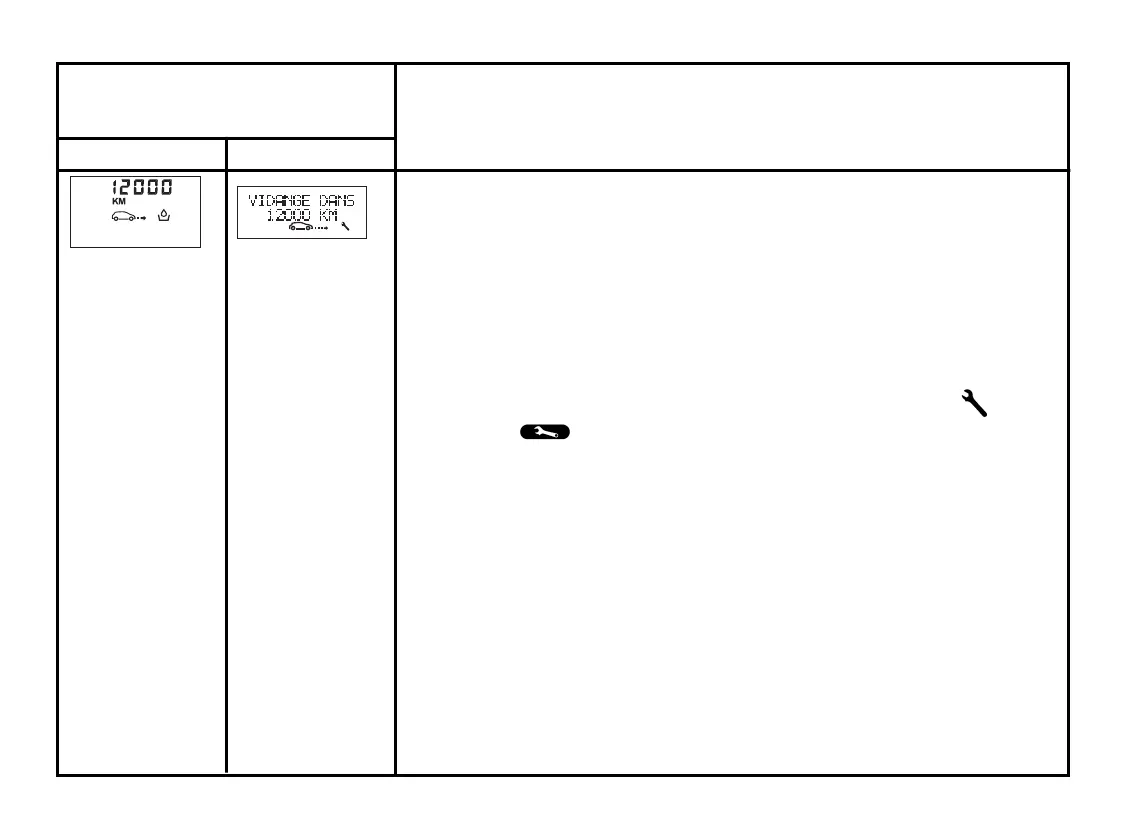
Display A Display B
Interpreting the display selected
c) Mileage before service/maintenance
Distance left before the next service.
There are several scenarios:
• remaining mileage less than 1,000 miles (1,500 km) or next service
scheduled within two months. The “oil change required soon” message is
displayed.
• mileage before service equal to 0miles/kmor date of service reached. The
“oil change required urgently” message is displayed when the display
selected is “mileage before oil change” accompanied by the symbol
and the warning light.
Resetting the display after service in accordance with the maintenance
program
The mileage before oil change/service must only be reset after a service in
conformance with the recommendations in the Warranty and Servicing
booklet.
If you decide to change the oil more frequently, do not reset this data each
time the oil is changed. This prevents the replacement interval from being
exceeded for other parts included in the maintenance programme.
To reset the mileage before oil change/service, press and hold one of the
display reset buttons for approximately 10 seconds until the display shows
the mileage permanently.













 To Next Page