28
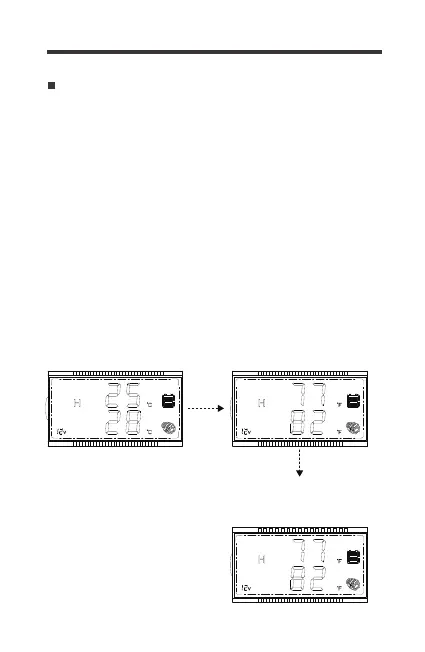
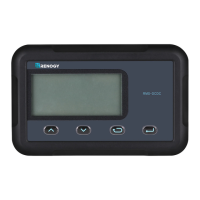
1. Use the Page Up/Down keys to show the Temperature Interface.
Hold down Parameter Setting Key for approximately 2-3seconds
and the top and bottom lines will flash.
The default temperature is Celsius. If the RMS-DCDC is restarted,
then it will refer to the default setting. Change from Celsius to
Fahrenheit or vice versa:
Change from Celsius to Fahrenheit
2. Tap the Parameter Setting Key to change units from Celsius
to Fahrenheit.
3. To confirm, hold down the Parameter Setting Key for approximate-
ly 2-3seconds. The screen will clear and revert to your selected
temperature units.
1.Hold down Param
Setting Key for 2-3s
until flashing
2.Tap the Param Setting
key to change ℃-℉ or
vice versa
3.Confirm by holding
down Param. Setting key
for 2-3s


 To Next Page