17
Operation
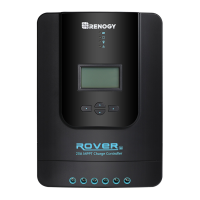
Rover is very simple to use. Simply connect the batteries, and the controller will automatically
determine the battery voltage. The controller comes equipped with an LCD screen and 4
buttons to maneuver though the menus.
NOTE:Please set the correct battery type the first time you use.
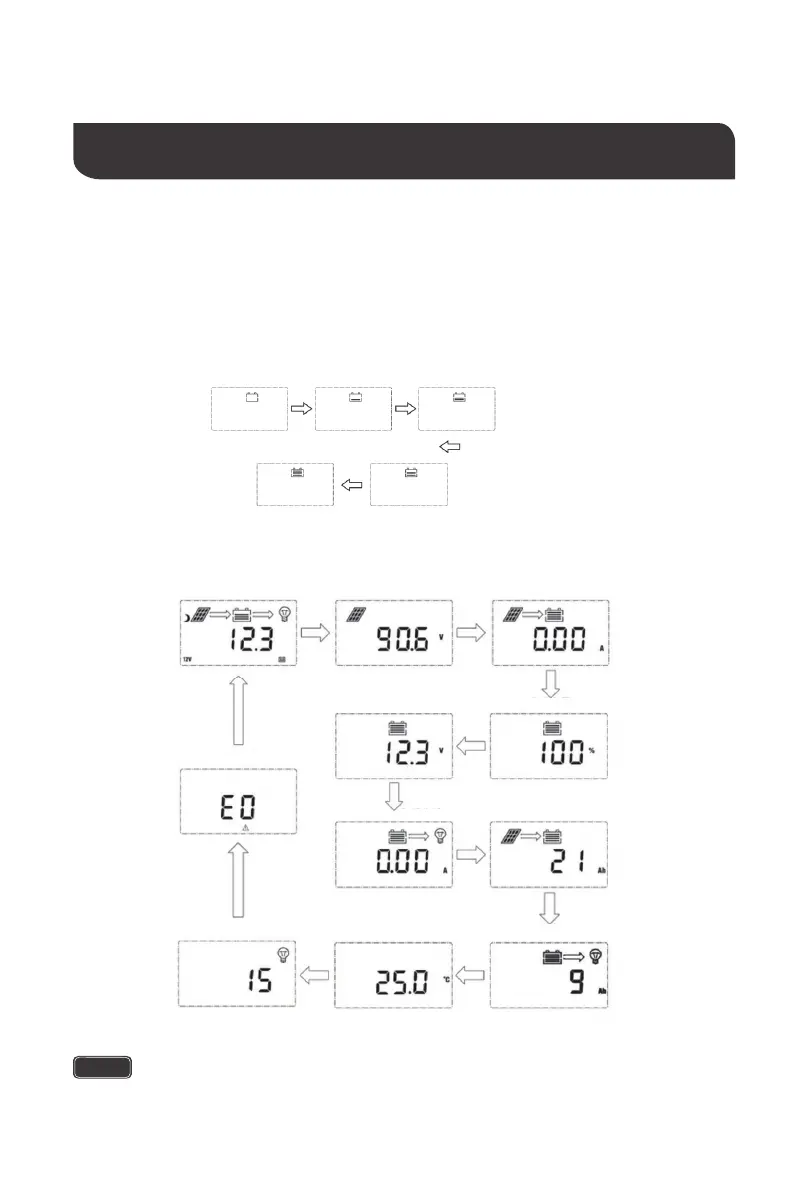
Startup Interface
Main Display
Charging Current
Main Screen
Solar Panel Voltage
Error Code
Battery Voltage
Battery Capacity
Load Current
Accumulated AH
Load mode
Discharged AH
Controller
Temperature
NOTE
The Battery Capacity (SOC%) is estimated based on the charging voltage.






 To Next Page