12
coded) and simply leave the controller alone until the flashing stops (this should take
approximately 10 seconds). This indicates the parameter has been set.
NOTE: If the LED lights do not flash, hold the gray button for 7 seconds again,
release, and immediately press the gray button again to enable the flashing
LED Indicators
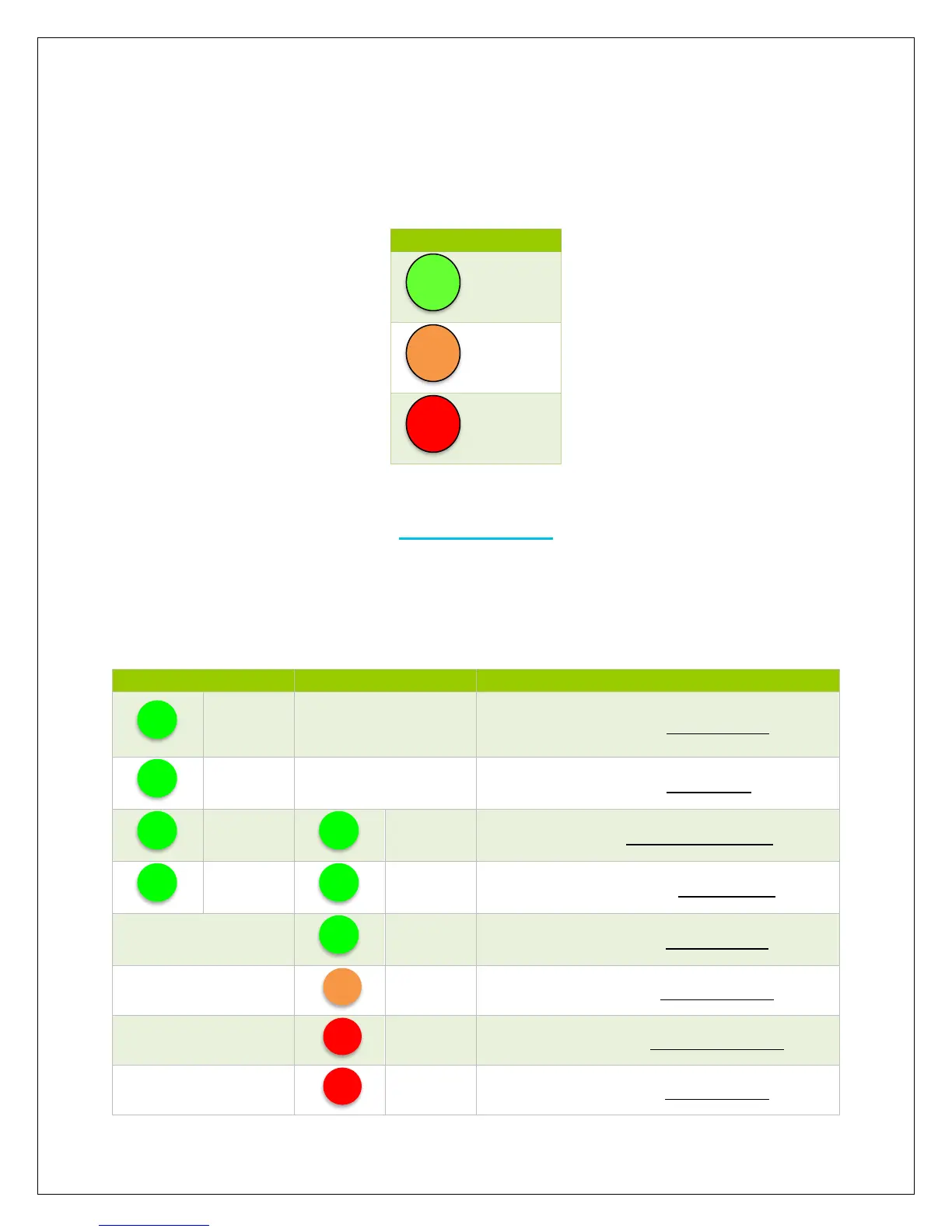
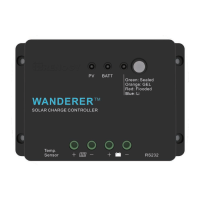
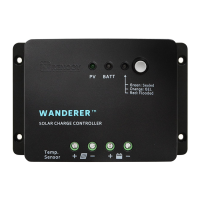
The Wanderer is a simple to use controller requiring little to no maintenance. Users can
be informed about the charge controller’s status based on the LED indicators at the PV
and Battery levels. The following chart goes into further detail regarding the Wanderer’s
indicators.


 To Next Page