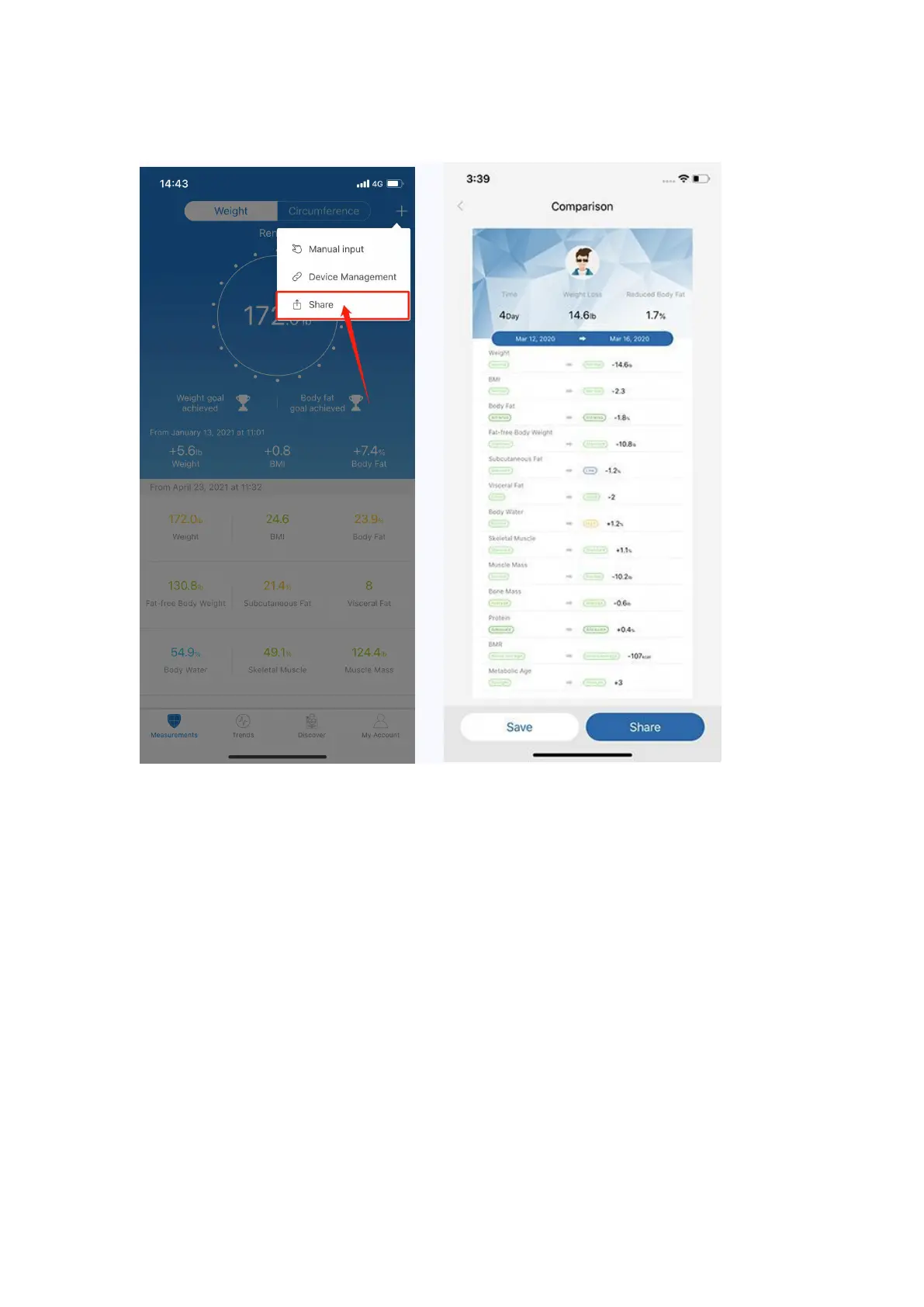
You can click [Share] to share your fitness data with friends via Facebook,
Instagram on the Measuring page.
How to add “Measurement Users” or “Friends”?
Q: What’s the difference between “Measurement Users” and “Friends”?
A: Measurement Users is different users using one scale, such as family
members or roommates.
Friends is another user using other Renpho scale, you can only have the
access to view his/her data. Keep motivated with your friends!
Under "My Account" you can add user(s) - Add Measurement Users / Add
Friends.
To delete an account, swipe the account to the left and select "Delete".


 To Next Page