Integrate with multiple fitness App
Sync with Samsung Health (Only for Android phone)
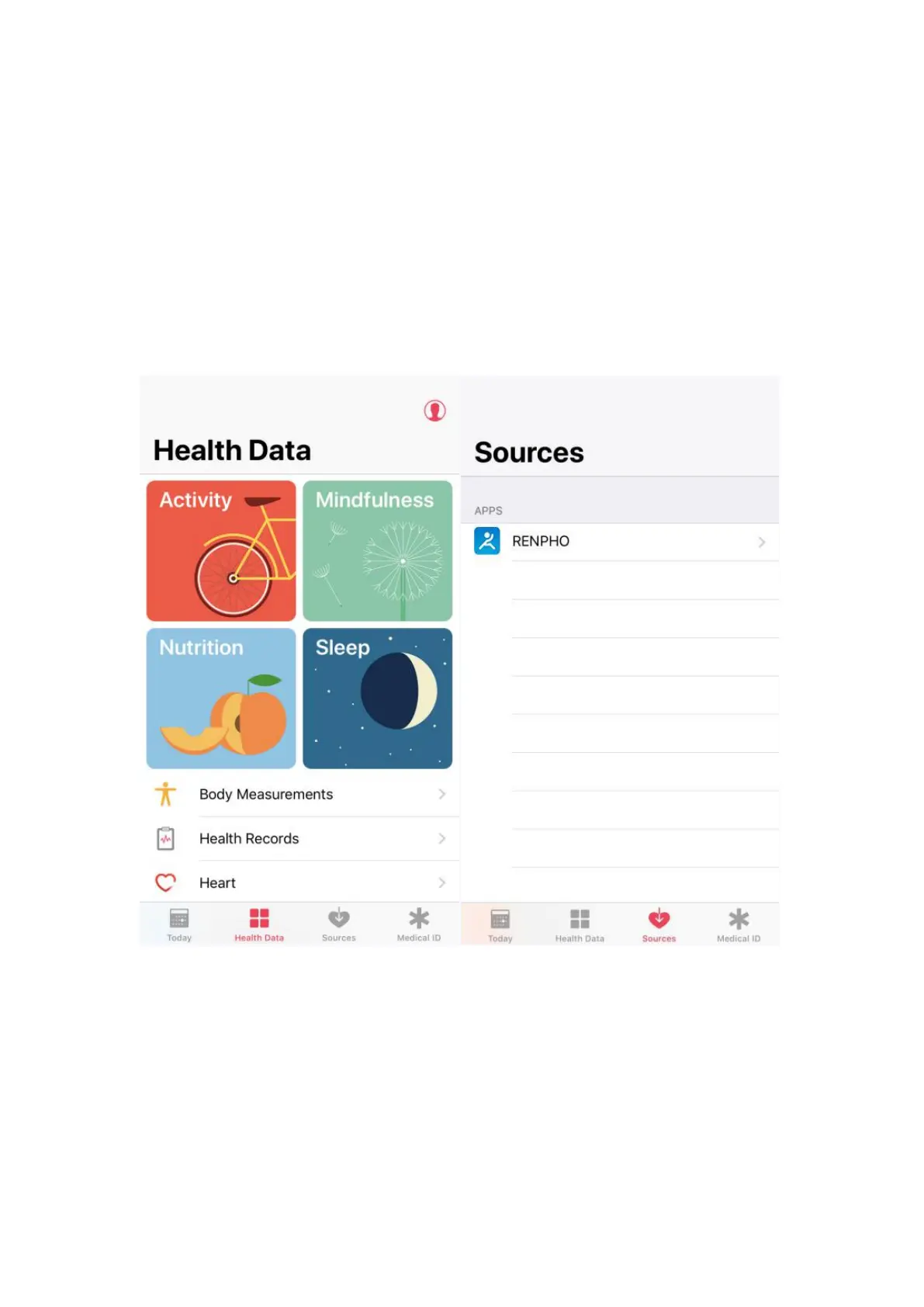
For previous versions of iOS 13, please use the following steps to sync with Apple
Health:
1. Open the "Health" app on your iPhone or iPad.
2. Tap on the"Data Sources"
3. Select "RENPHO" from the sources list.
4. RENPHO will synchronize the following data with Apple Health once you connect.
You can customize what you want to share using the switches on the right.


 To Next Page