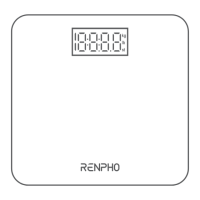
*After a few seconds of loading, the scale model number will appear, tap it.
*Step on the scale again to complete the pairing.
If none of the above steps resolves your connectivity issues, try the ”Bluetooth
anomaly detection” function:
1. Open the RENPHO app.
2. Go to “My Account”select “Settings”.
3. Select the "Bluetooth anomaly detection" and follow up the instructions.
4. Submit the abnormality report.
5. Share your App account to support team. (support@renpho.com)
Our tech team will further diagnose the problem within 24 hours.
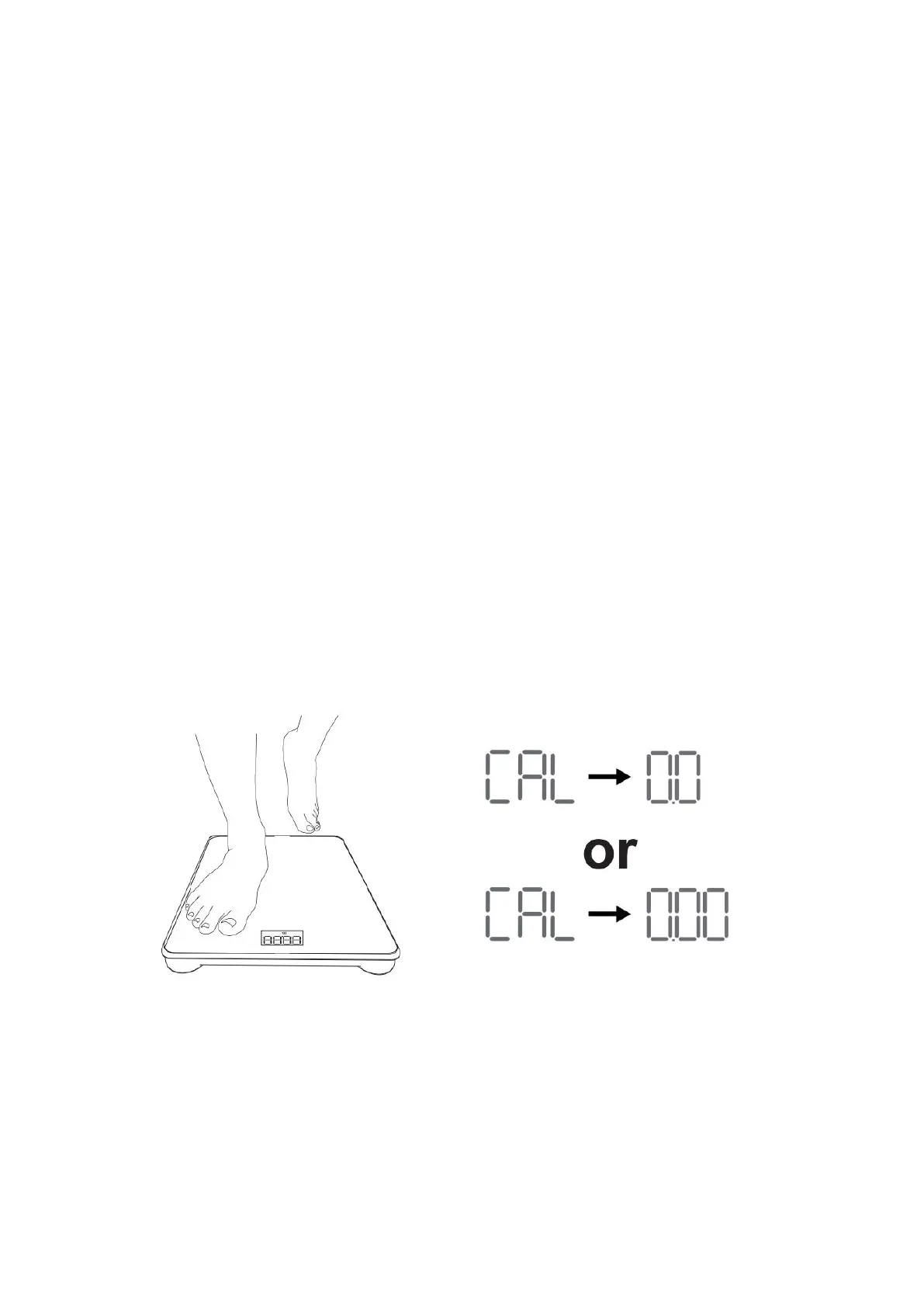
Recalibration:
If the scale has been moved or turned upside down, it must be calibrated to
ensure accurate results.
1. Please place your scale in a firm, flat and stable location, avoid any
carpet;
2. Step on with one foot to wake up the scale;
3. When the monitor shows digits, then step off;
4. Then scale will show "CAL", then "0.0" or "0.00", the calibration process
is complete.
Ensure Bluetooth is enabled and working.
Ensure personal data is entered.


 To Next Page