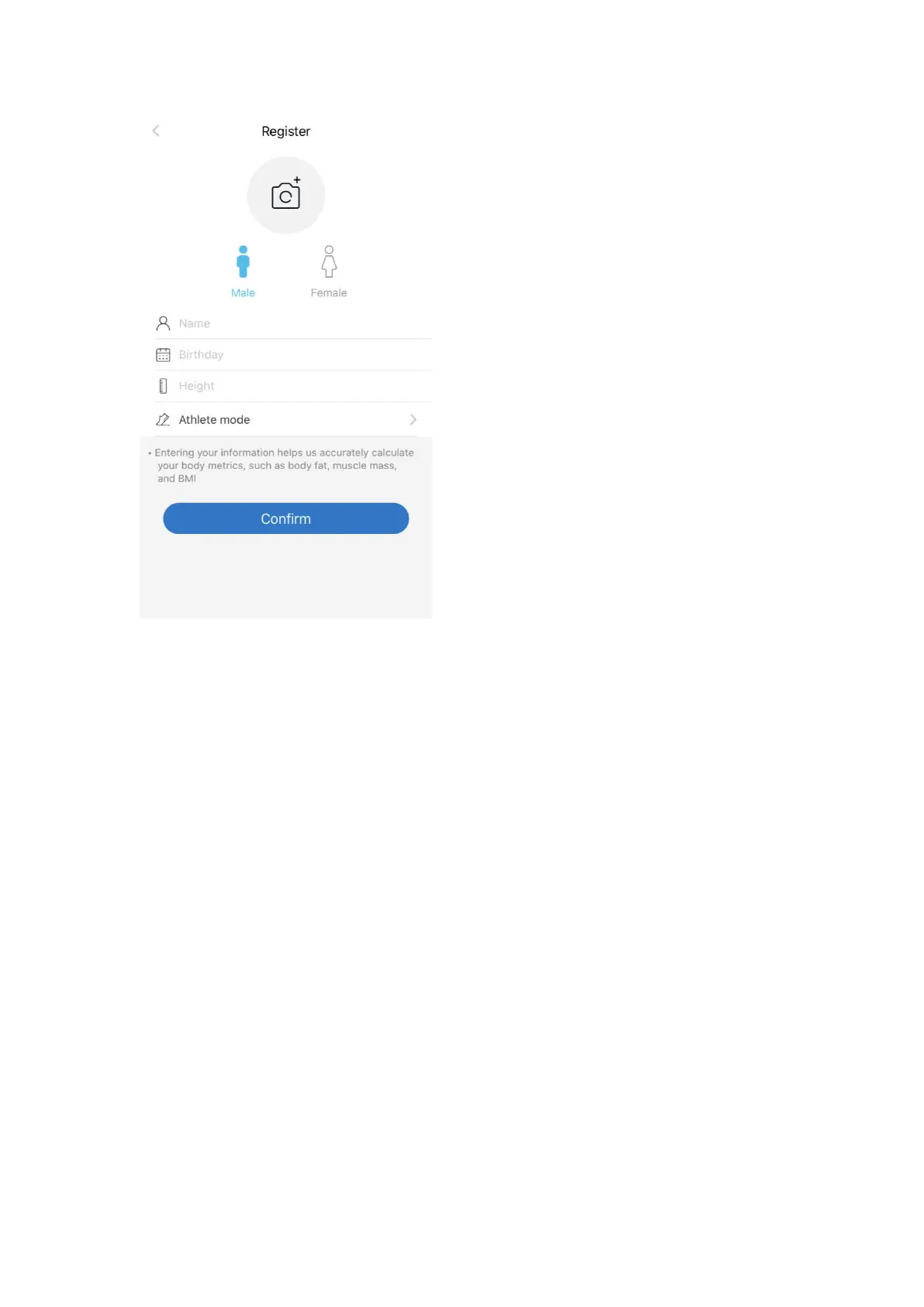
Step 5:
Turn on Bluetooth on your smartphone. Location also needs to be turned on
for Android 6.0 or higher. (Location is required by Android System)
*For iOS 13 users, please go to setting menu on your iPhone, find Renpho App,
turn on the Bluetooth first.
Step 6:
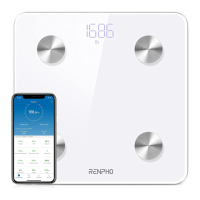
With the Bluetooth on, you can begin the pairing process between Renpho
scale and Renpho App.
Tap + and choose "Device management" on the measuring page.
Step onto the scale with bare and dry feet on the scale's conductive area.
Tap the device name on the pairing page.
Keep standing on the scale for 5-10 seconds. The weighing is finished after
"000" has displayed twice.


 To Next Page