116
Cube
®
EN
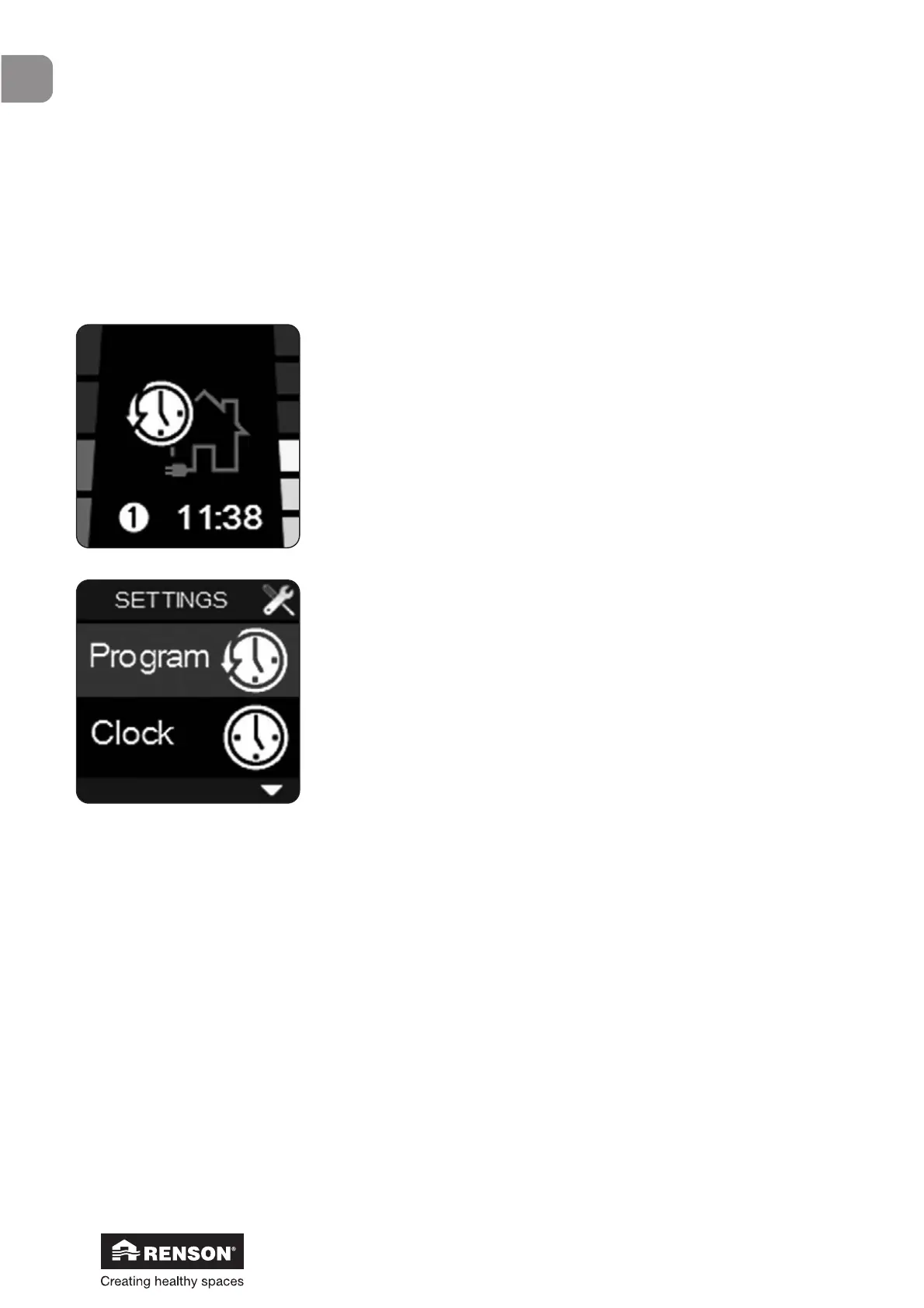
You can enter the User menu by
• Pressing ■ for 3 seconds
• Simultaneously pressing ▲ and ▼ for a short time
• You can go through the different User menus with ▲ and ▼
• Select a menu with ■
• Leave the User menu by
o Pressing ■ for 3 seconds
o Simultaneously pressing ▲ and ▼ for a short time
9.1.3.2 • User menu
The ‘User menu’ enables you to:
• Set a program: choose between day, week or weekend program;
up to 8 program points a day (choose between L1 to L4 for each program point)
• Adjust clock and day settings: day of the week and time (24H)
• Adjust display settings: set the display clarity and adjust the language of the User menu


 To Next Page