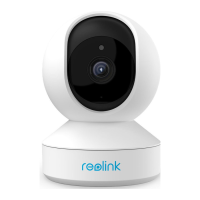
Reolink Wireless Camera
User Manual
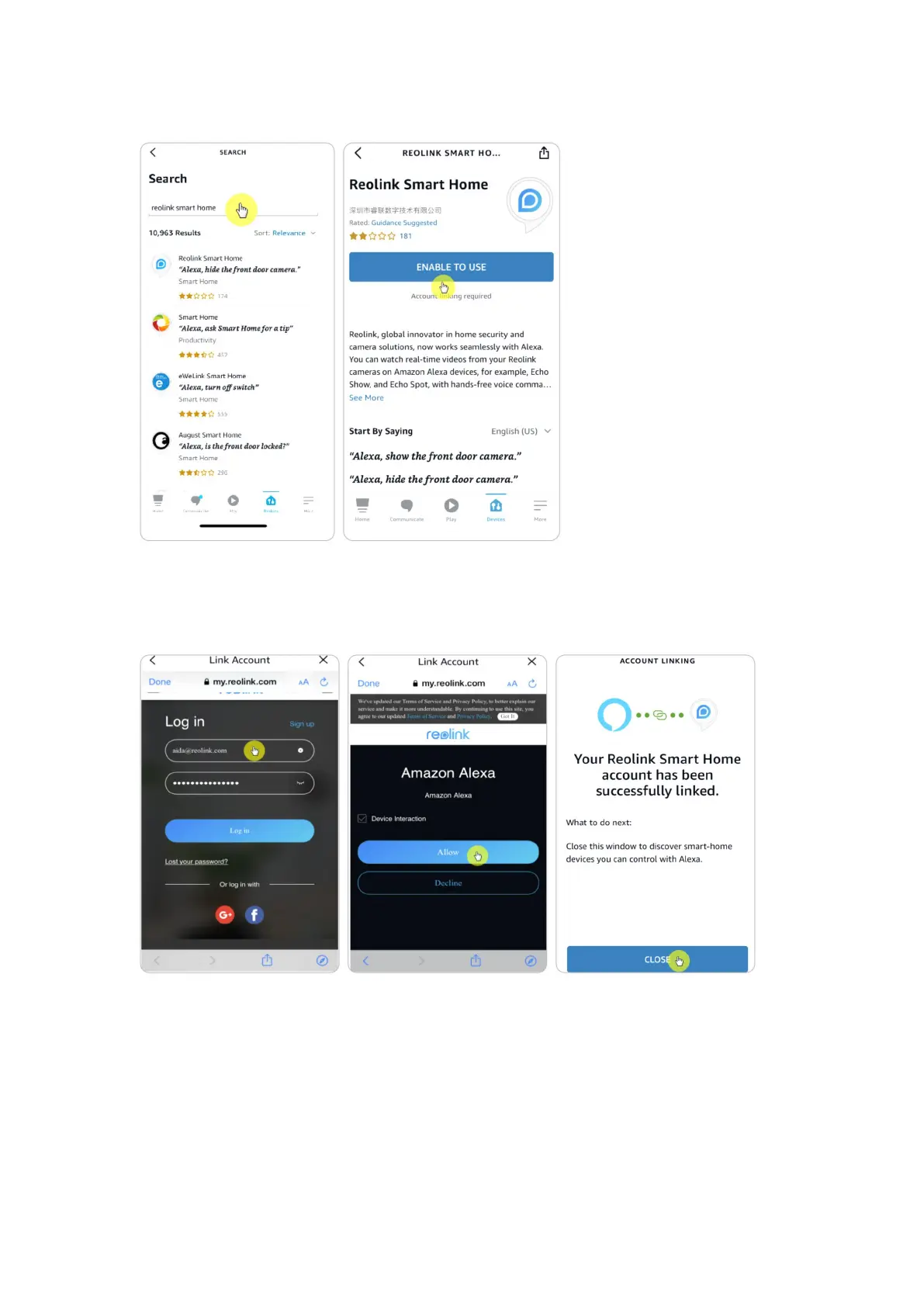
5. After search and find Reolink Smart Home, tap ENABLE TO USE.
6. Type in your Reolink account, and then tap Log in. After logging in successfully,
then tap Allow, the App will remind that “Reolink Smart Home has been
successfully linked”. Tap Close to go to the next step.


 To Next Page
 Loading...