Reolink Wireless Camera
User Manual
7. Camera Settings
Network and WiFi Connection
Check the WiFi and Signal
You can see which WiFi network this camera connected and how about the
wireless signal.
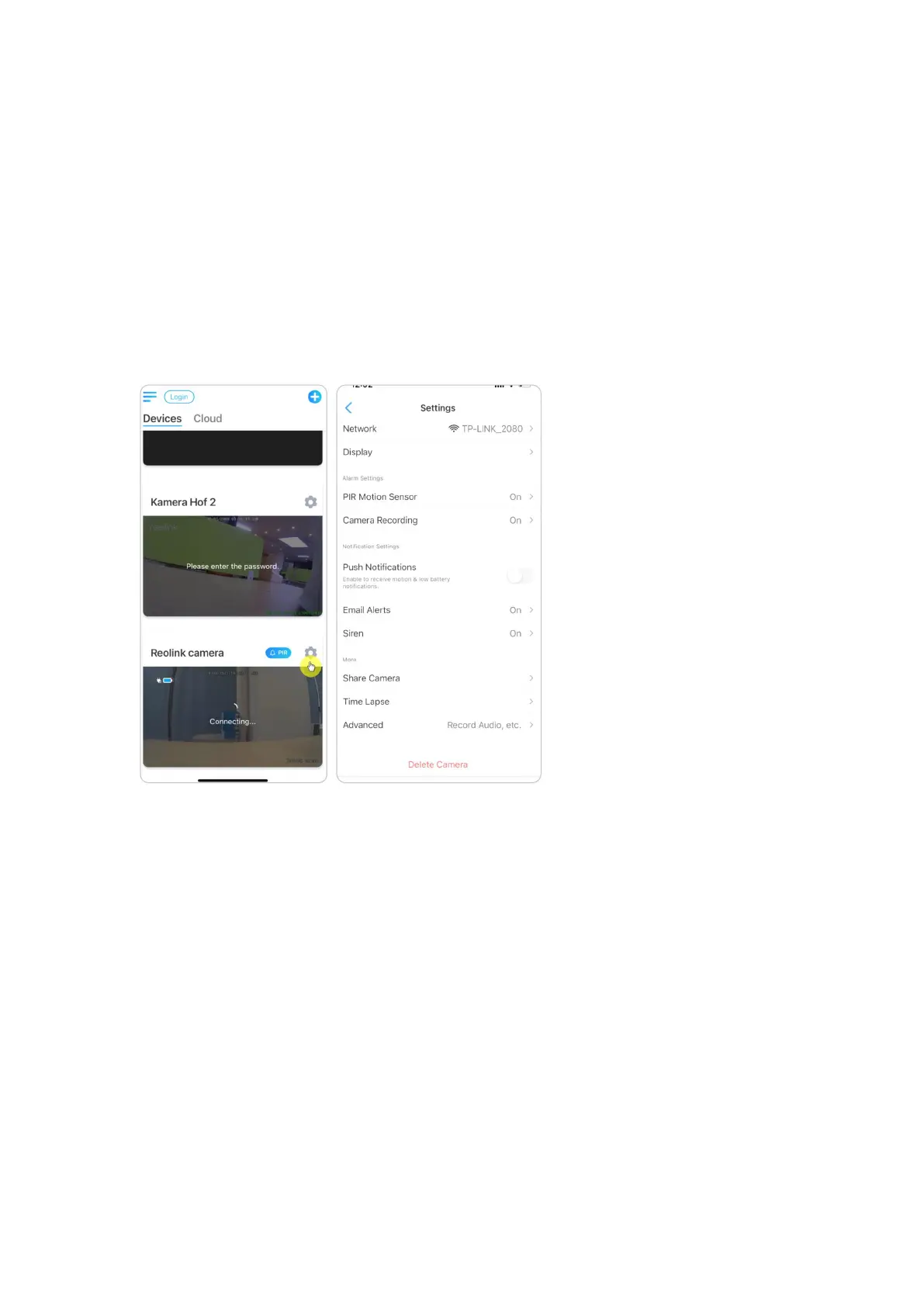
Launch the Reolink App and go to camera Settings, then tap on Network menu
and you’d see which WiFi the camera is connected to and how is the signal
strength.
Check the Network Information
1. Launch the Reolink App and tap on Device Settings, then tap camera name and
go to Device Info.


 To Next Page
 Loading...