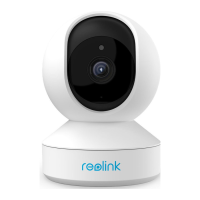
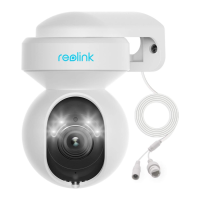
Reolink Wireless Camera
User Manual
App Settings
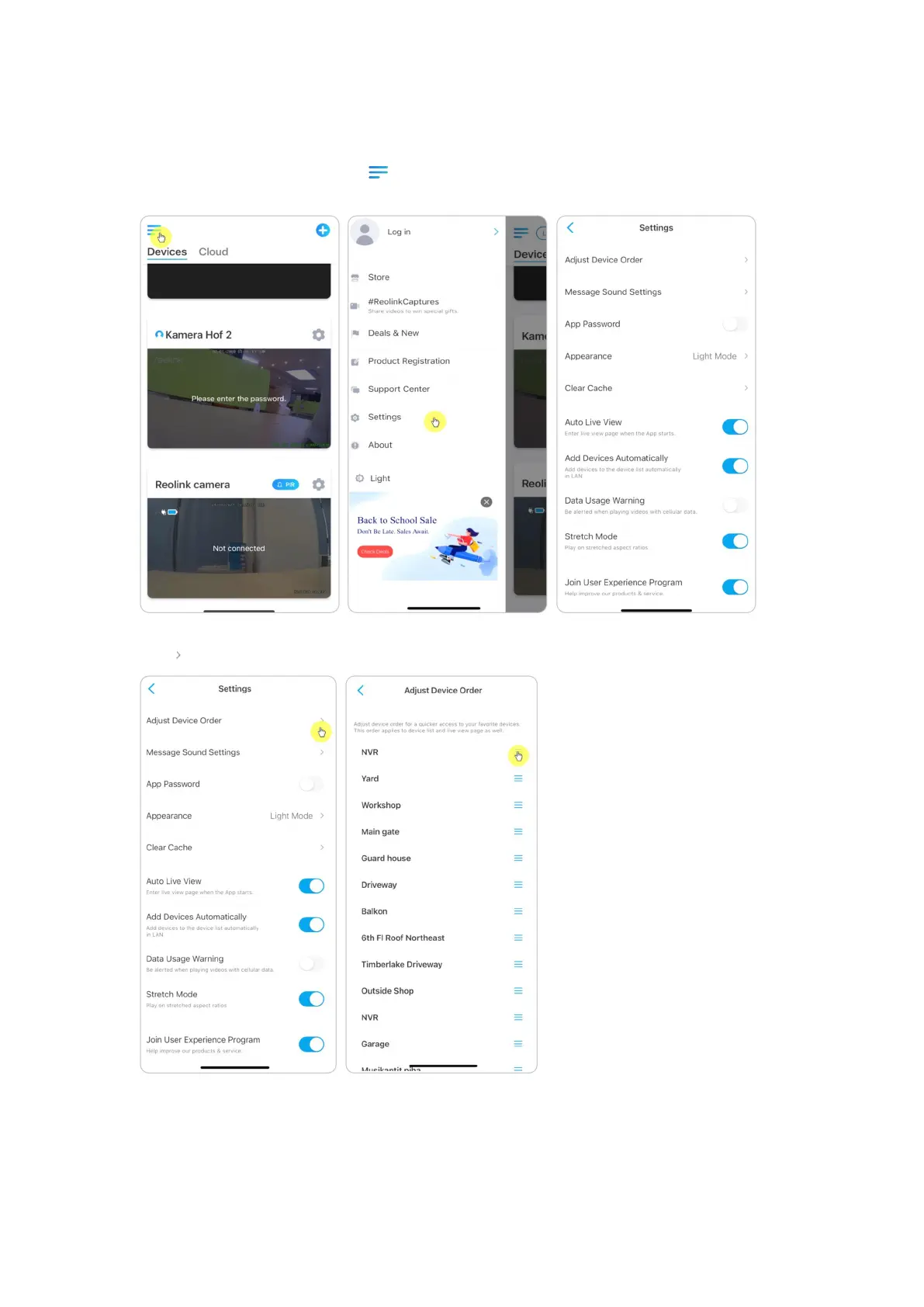
Launch the Reolink App. Tap and you can adjust the device order, change
sound settings, App password, clean cache, etc.
Adjust Device Order: Adjust order for a quicker access to the devices you want,
tap and drag the device to the channel as you want.


 To Next Page
 Loading...