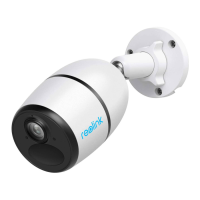
Reolink Wireless Camera
User Manual
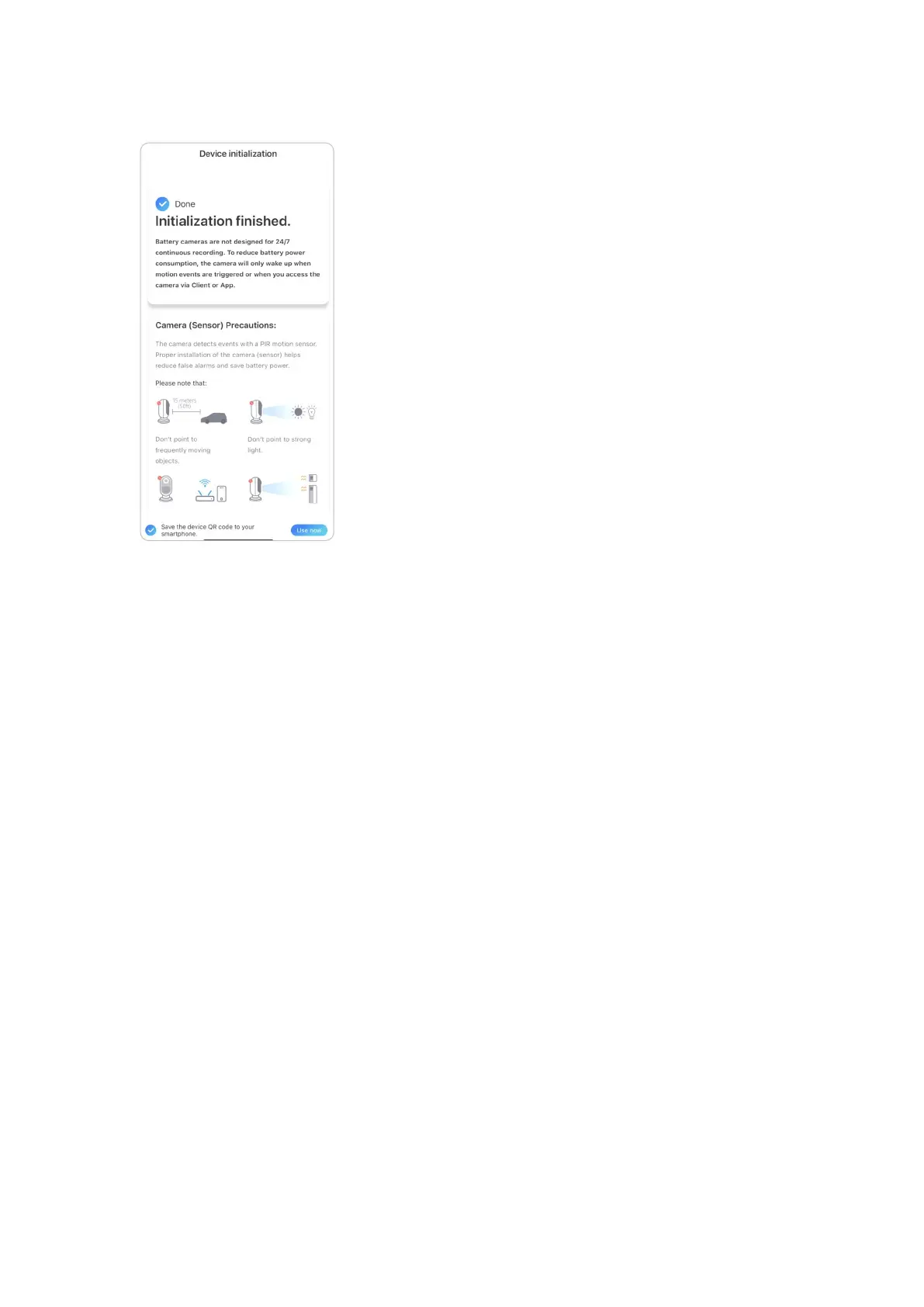
9. Initialization finished. Tap Use now and start to preview now.
Once the initial setup is completed, you may choose a good position to mount
your camera.
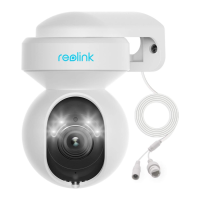
Set up the Camera with Ethernet Port
Please follow the steps below to do initial setup for the Wi-Fi camera with an
Ethernet port via Reolink App.
1. Connect the power adapter to the camera, and connect the camera to the router
with an Ethernet cable. And then wait for it starting up.


 To Next Page
 Loading...