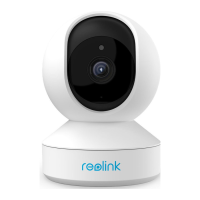
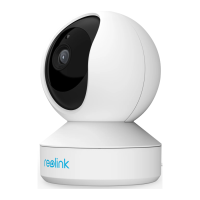
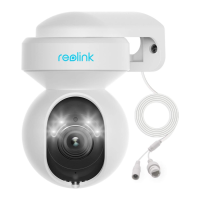
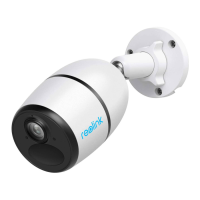
Reolink Wireless Camera
User Manual
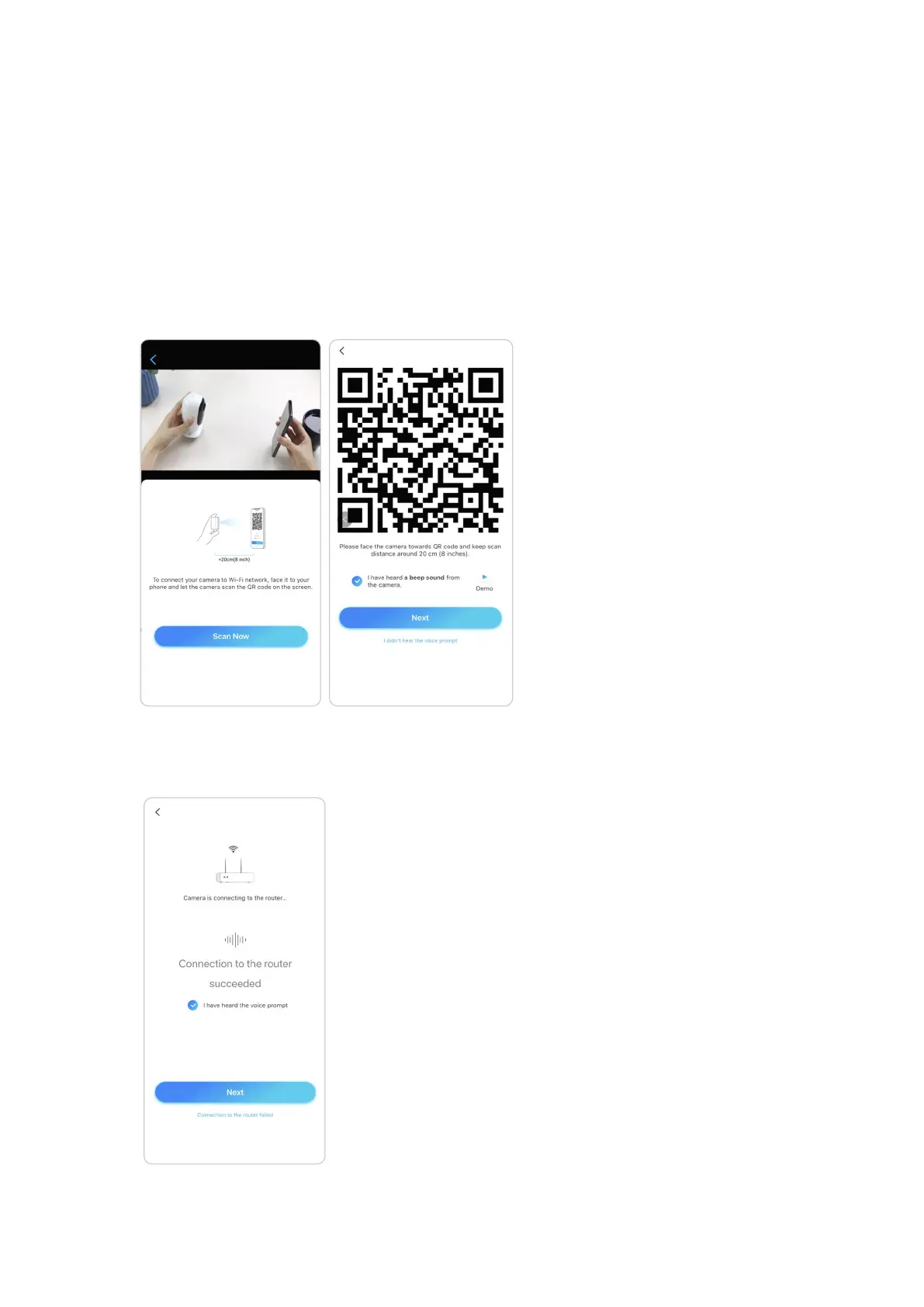
6. A QR code will be generated and displayed on your phone. Please place the QR
code on your phone in front of the camera’s lens at a distance of about 20 cm (8
inches) and let the camera scan the QR code. After the QR code is scanned
successfully, tick “I have heard a beep sound from the camera” or “I have heard the
voice prompt” and tap Next.
Notes:
1. Please rip off the protection film of the camera’s lens.
2. You may double tap on the QR code to enlarge it.
7. After the beep sound, the camera will try to connect to the router, please wait for
60 seconds.


 To Next Page
 Loading...