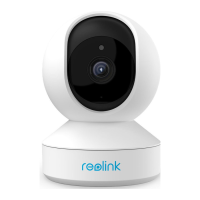
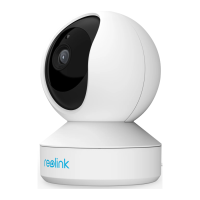
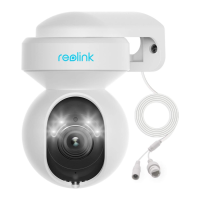
Reolink Wireless Camera
User Manual
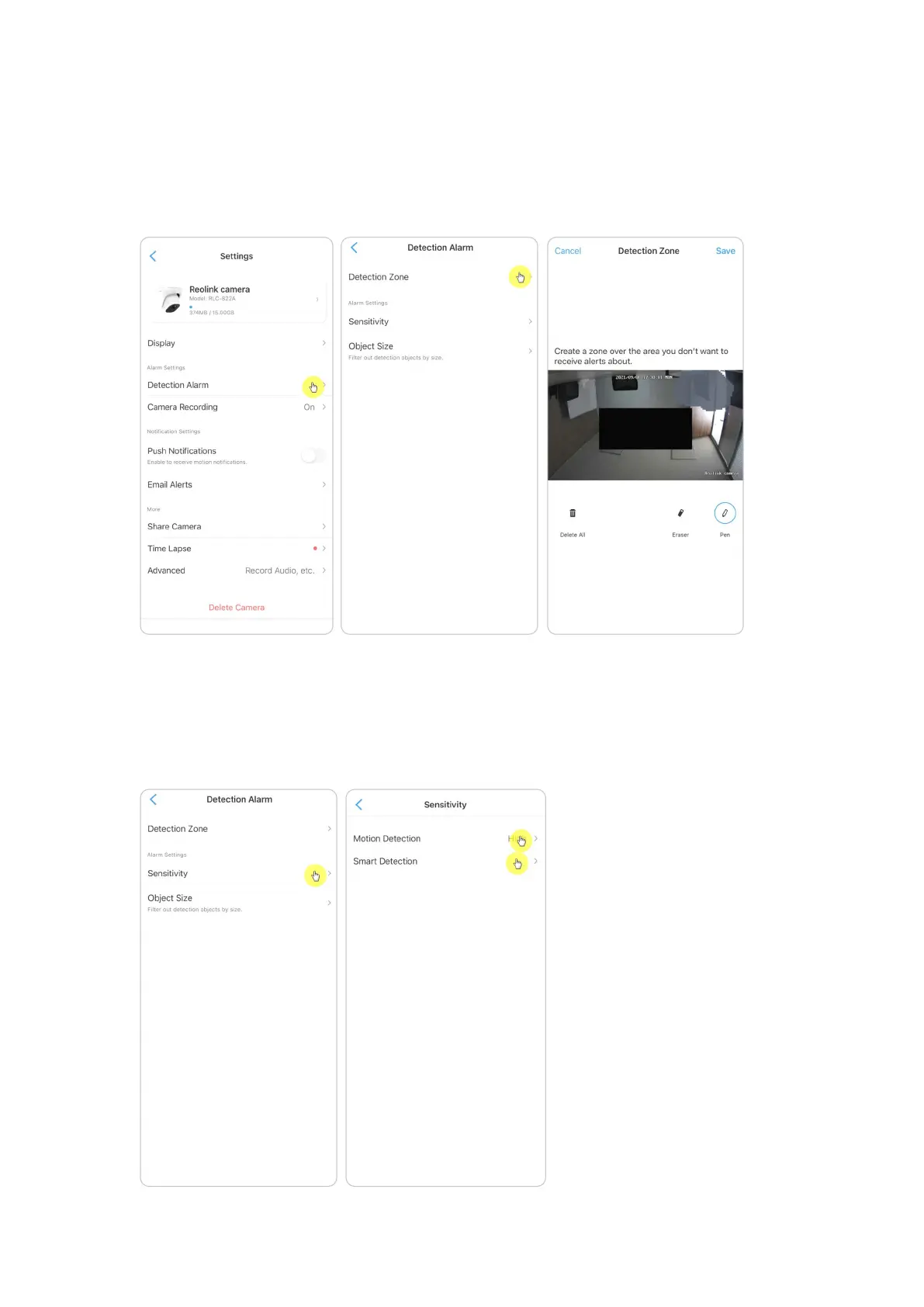
Set up Detection Zone
Go to camera Settings > Detection Alarm > Detection Zone. Here create a zone
over the area you don’t want to receive alerts about. After done, click Save to save
the detection zone settings.
Set up Sensitivity
Go to camera Settings > Detection Alarm > Sensitivity. The sensitivity can be set
for motion detection and smart detection. The Smart Detection is only
availability for cameras with human/vehicle detection.


 To Next Page
 Loading...