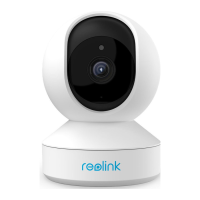
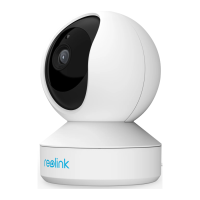
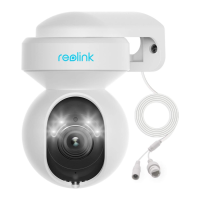
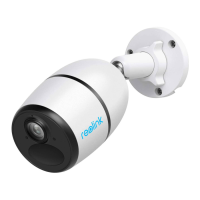
Reolink Wireless Camera
User Manual
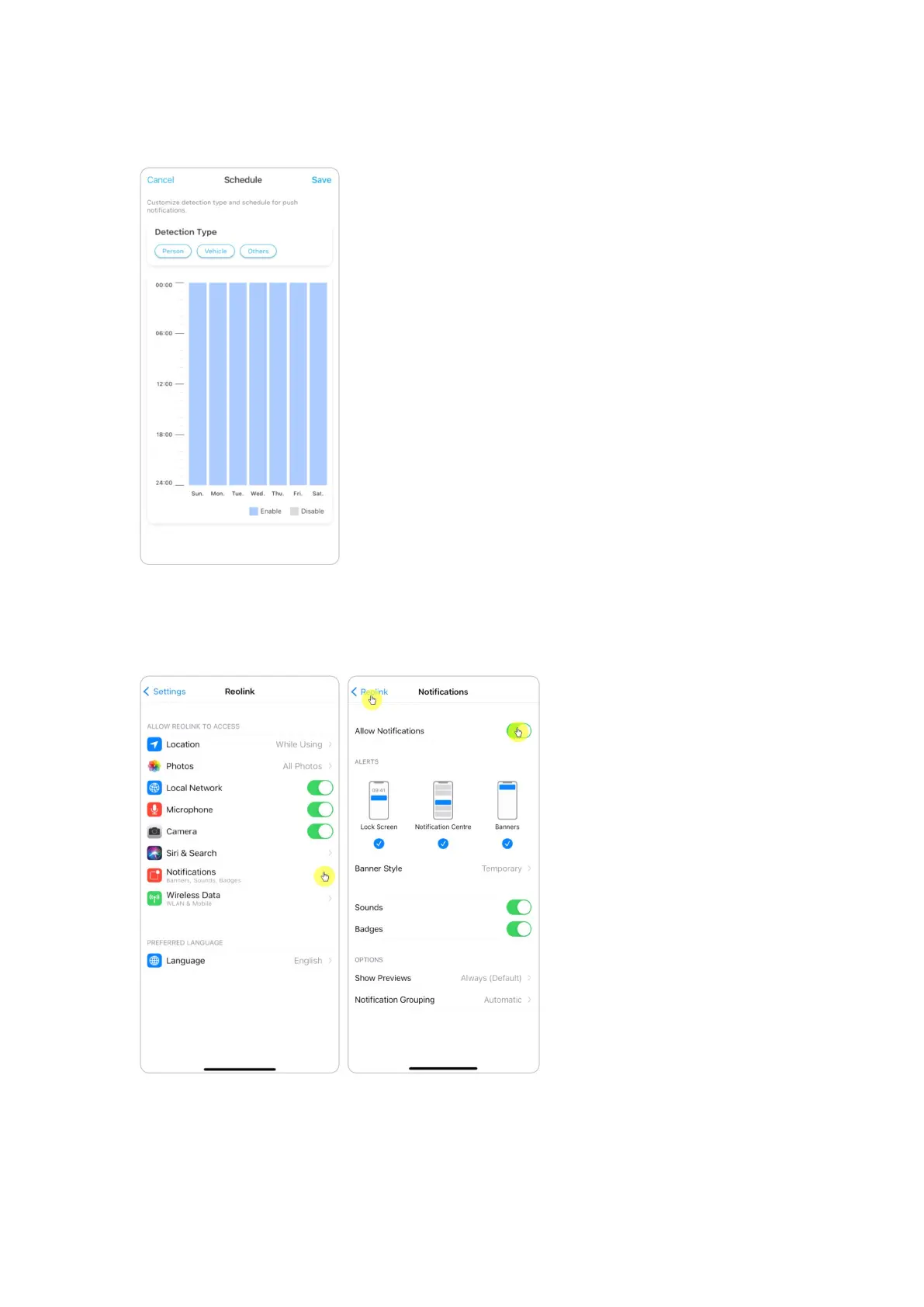
3. Set a push Schedule if you need. For cameras with human/vehicle detection,
you can also select Person, Vehicle or Others.
4. Set your phone to allow Reolink App to send push notifications. Go to your
phone Settings, find Notifications and among the App list find the Reolink App.
Make sure the Reolink App can send notifications.


 To Next Page
 Loading...