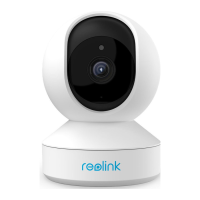
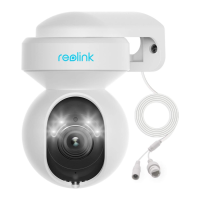
Reolink Wireless Camera
User Manual
2.
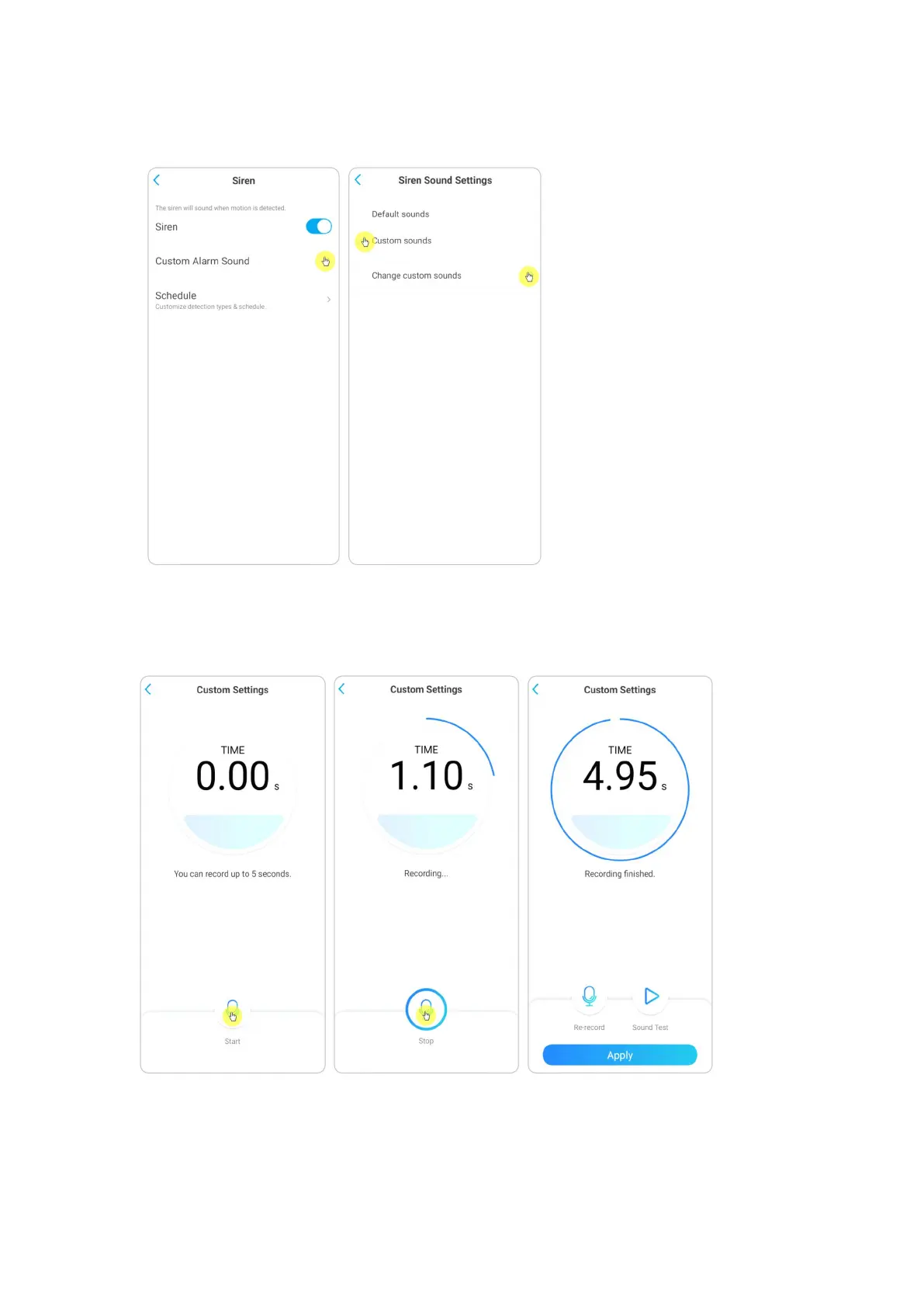
Tap on Custom Alarm Sound, if you want to use a custom sound. Tap Custom
sounds, then tap Change custom sounds to record an up-to-5-second sound.
3.
Tap Start to start recording or tap Stop to stop recording. Tap on Sound Test to
test the recorded sound or tap Re-record to record again till you’re satisfied. Then
tap Apply to save the changes.


 To Next Page
 Loading...