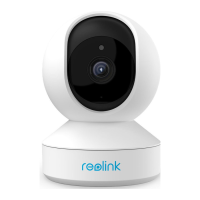
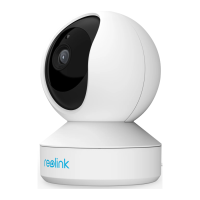
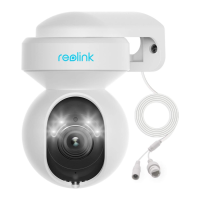
Reolink Wireless Camera
User Manual
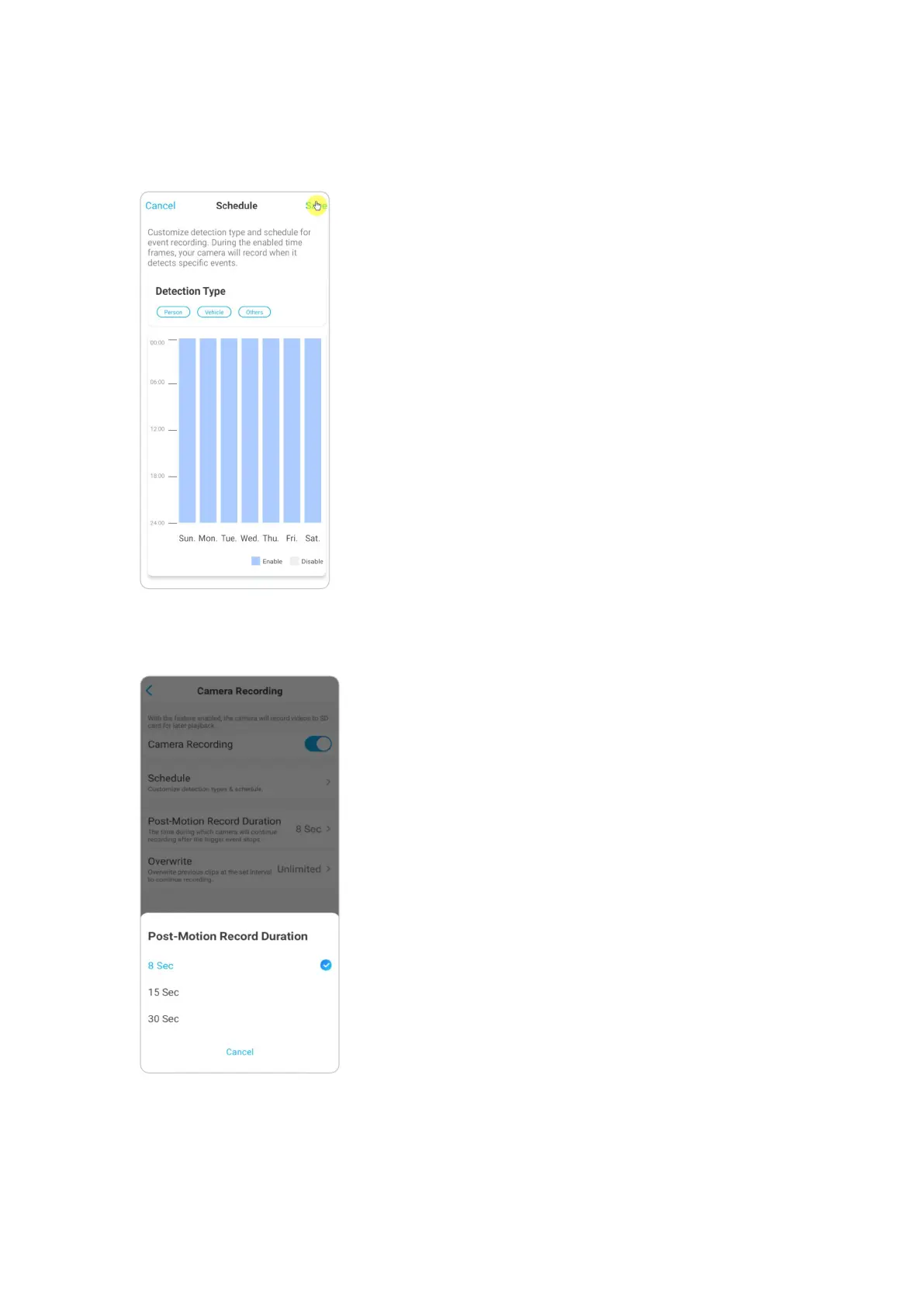
2. Tap Schedule to set up a schedule when you want the camera to save motion
recordings, then tap Save. For cameras with human/vehicle detection, you can also
choose the Detection Type: Person, Vehicle or Others.
3. Tap Post-Motion Record Duration to set up the motion recording length, here
you can choose a desired length.


 To Next Page
 Loading...