EasyManua.ls Logo

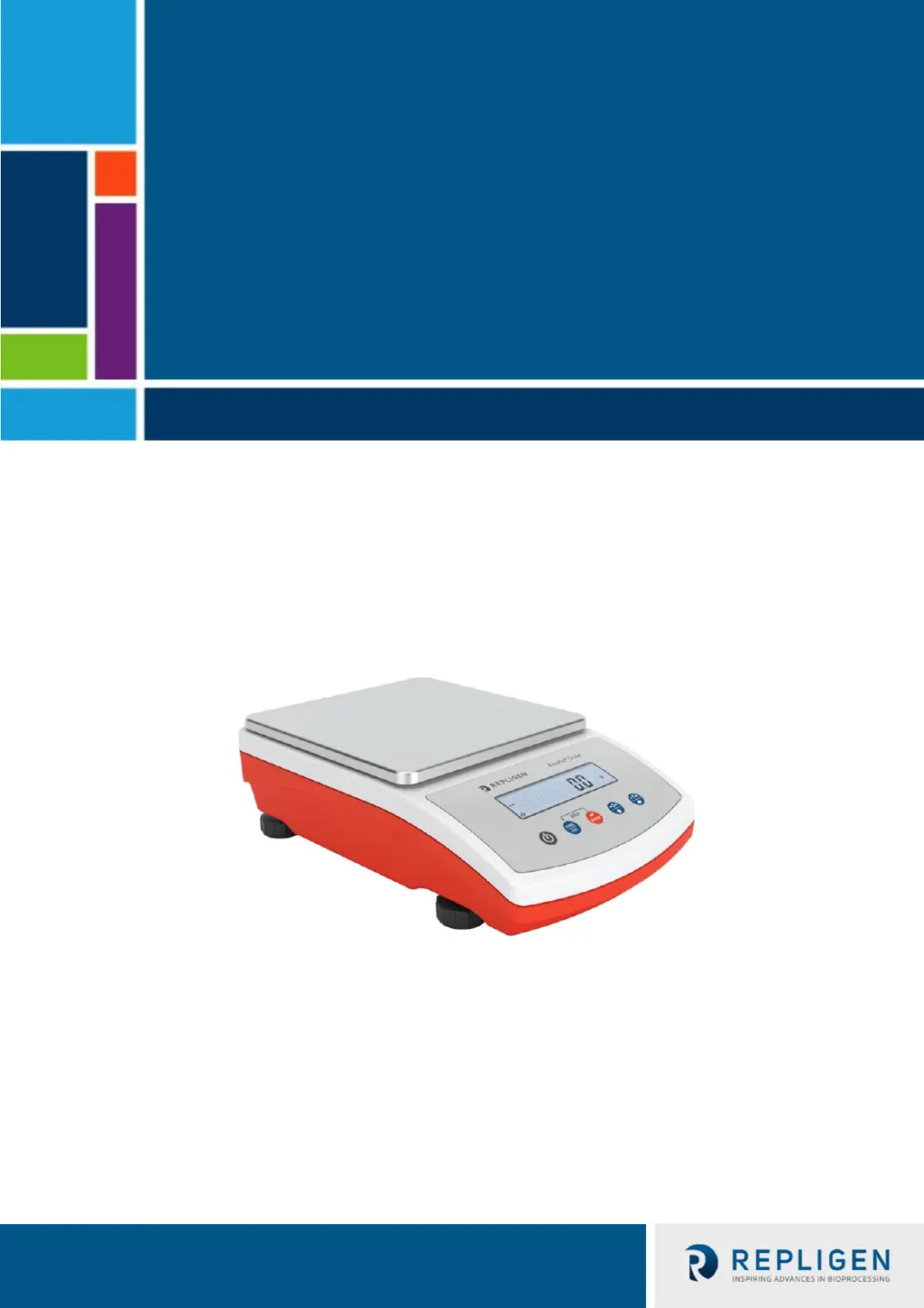
REPLIGEN ACSS-20K - User Manual

Default Icon
32 pages
Print Icon
To Next Page IconTo Next Page
Loading...
1 420-14871-001 Rev. 00
KrosFlo® TFF System - Auxiliary Scale
Model ACSS-20K
For use with:
KrosFlo® KR2i Tangential Flow Filtration (TFF) System
KrosFlo® KMPi Tangential Flow Filtration (TFF) System
User Guide

Table of Contents

Questions and Answers

  • S
    Samantha SmithJul 25, 2025
    What to do if REPLIGEN ACSS-20K display 'LH' during switching on?
    • W
      Wendy LopezJul 26, 2025
      If your REPLIGEN Scales show 'LH' when you turn it on, it means the weighing pan was loaded during the startup. To fix this, simply unload the weighing pan. The display should then show a zero indication.
  • Q
    qfosterAug 10, 2025
    Why do REPLIGEN ACSS-20K Scales switch off automatically?
    • F
      fieldsbrianAug 10, 2025
      Your REPLIGEN Scales might be automatically shutting down because the parameter is set to a value that enforces shutdown after a specific time. To resolve this, go to the 'Othr' menu and set the parameter to 'nonE'.

Summary

KrosFlo TFF System - Auxiliary Scale User Guide

Initial Setup and System Assembly

Guides unpacking, general precautions, system assembly, and initial setup.

Operating the Scale and Menu Navigation

Details the operational panel, keypad functions, and how to navigate the scale's menu.

Weighing Operations and Calibration

Best Practices, Zeroing, and Taring

Covers weighing practices, zeroing the scale, and performing tare operations.

Unit Configuration and Calibration

Instructions for setting measurement units and performing scale calibration.

Scale Parameters and Communication

Scale Parameter Adjustment

Adjusting parameters like filter, value release, ambient conditions, and autozero function.

Communication Port Setup

Configuring RS232, USB Type A, and USB Type B ports for data transfer.

Data Output and Working Modes

Printout Configuration and Customization

Settings for calibration reports, GLP printouts, backlight, and beep sound.

Working Mode Overview and Operation

Introduces available working modes and provides detailed operating instructions for each.

Troubleshooting, Maintenance, and Design

Maintenance and Cleaning Procedures

Guidance on cleaning different scale components to ensure proper function.

Troubleshooting and Scale Specifications

Solutions for common problems, error messages, and scale dimensions.

REPLIGEN ACSS-20K Specifications

General IconGeneral
Capacity20 kg
Auto CalibrationYes
Overload ProtectionYes
InterfaceRS232
Unitsg, kg, lb, oz

Related product manuals