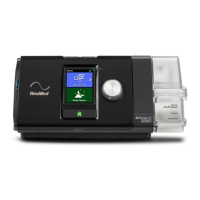
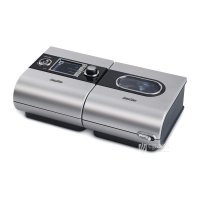
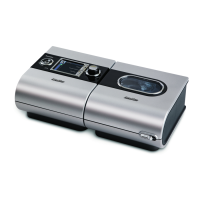
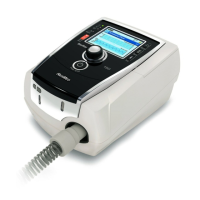
Downloading Compliance - S10 AirSense / Autoset device
Once the machine is on:
• Get to the home screen with the heading
home on the top left;
• Hold down the button with the house
symbol AND the dial button on the right (glowing
white) at the same time until the screen changes
to CLINICAL MENU/SETTINGS (usually takes 3
seconds);
• Device is now unlocked so be cautious for
the buttons you press from this point;
• Turn the dial button clockwise to highlight
SLEEP REPORT (to show it has been selected, it
will be highlighted with a light blue color);
• Press the white button to select SLEEP
REPORT option.
• Turn the dial button to scroll down the list
of sleep report until you reach the PERIOD
option.

 Need help?
 General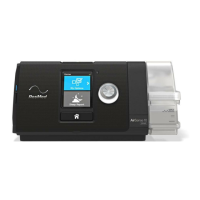






 To Next Page