29
To unlock the battery door (to replace the battery):
Now, open the battery door completely to replace the battery.
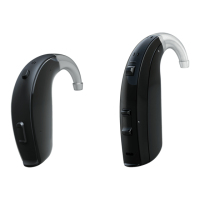
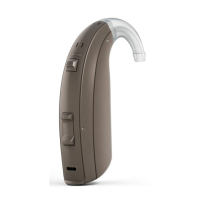
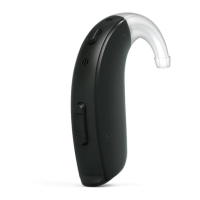
9.2 ReSound ENZO 3D, model 98
To lock or unlock the battery door, use the accompanying tool:
To lock the battery door
Insert tool straight into battery
door lock.
Slide lock to the left. Indication mark shows “lock”
position - white dot appears.
Open the battery door to the OFF position. From the right side, push the slider to the left.
400738011US-17.07-Rev.B.indd 29 03-07-2017 13:51:29


 To Next Page
 Loading...