BiliChek Service Manual
15
1014988
To Access the User Set-Up Function
♦ Press F1 and F2 at the same time, hold for one second,
(until the display changes) and then release to access
the set-up mode.
♦ Use the F1 button to advance to the next item and the
F2 button to change the value of the current item.
♦ To exit the set-up mode, press F1 and F2 at the same
time. All changes that were made will be saved and
displayed.
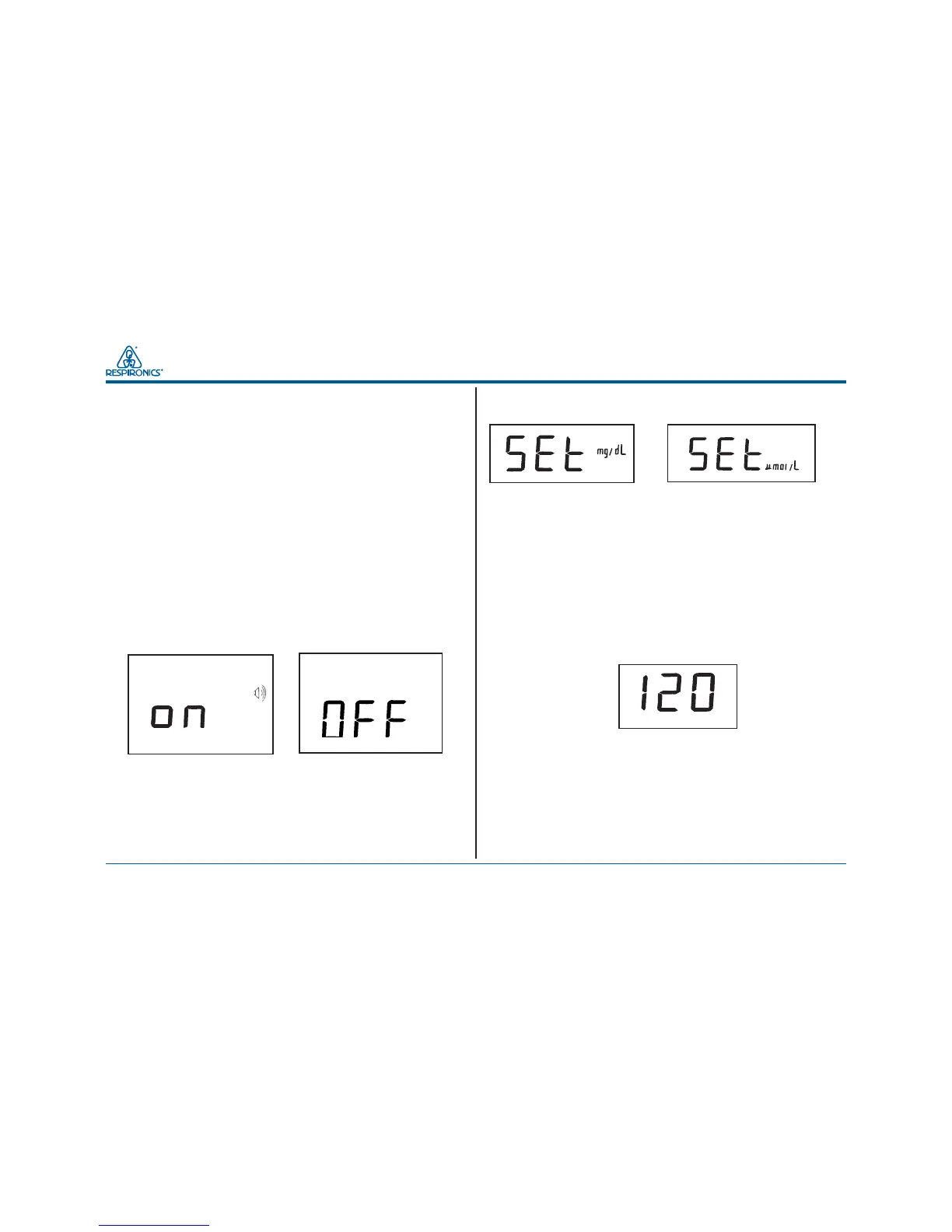
Audio On/Off
♦ This function allows the user to turn the internal beeper
on or off.
♦ Press F2 to toggle the speaker (beeper) on and off, and
F1 to accept your choice and advance to the next
function.
Setting the measurement units.
The display will read SET, and either mg/dL or µmol/L will
be displayed
NOTE: The default value is mg/dL.
♦ Press F2 to toggle between values, and F1 to accept
your choice and advance to the next function.
Automatic power-off time interval
To conserve battery power, the unit has an automatic time-out
feature which turns the unit off if it is idle for a specified time
period.
NOTE: The default time is set at 120 seconds.
♦ Press F2 to toggle between the 60 or 120 second
choices, and F1 to accept your choice and advance to
the next function.
Selecting the time format
The system will display time in either the 12 hour or 24 hour
format.
NOTE: The 12 hour format is the default setting.


 To Next Page