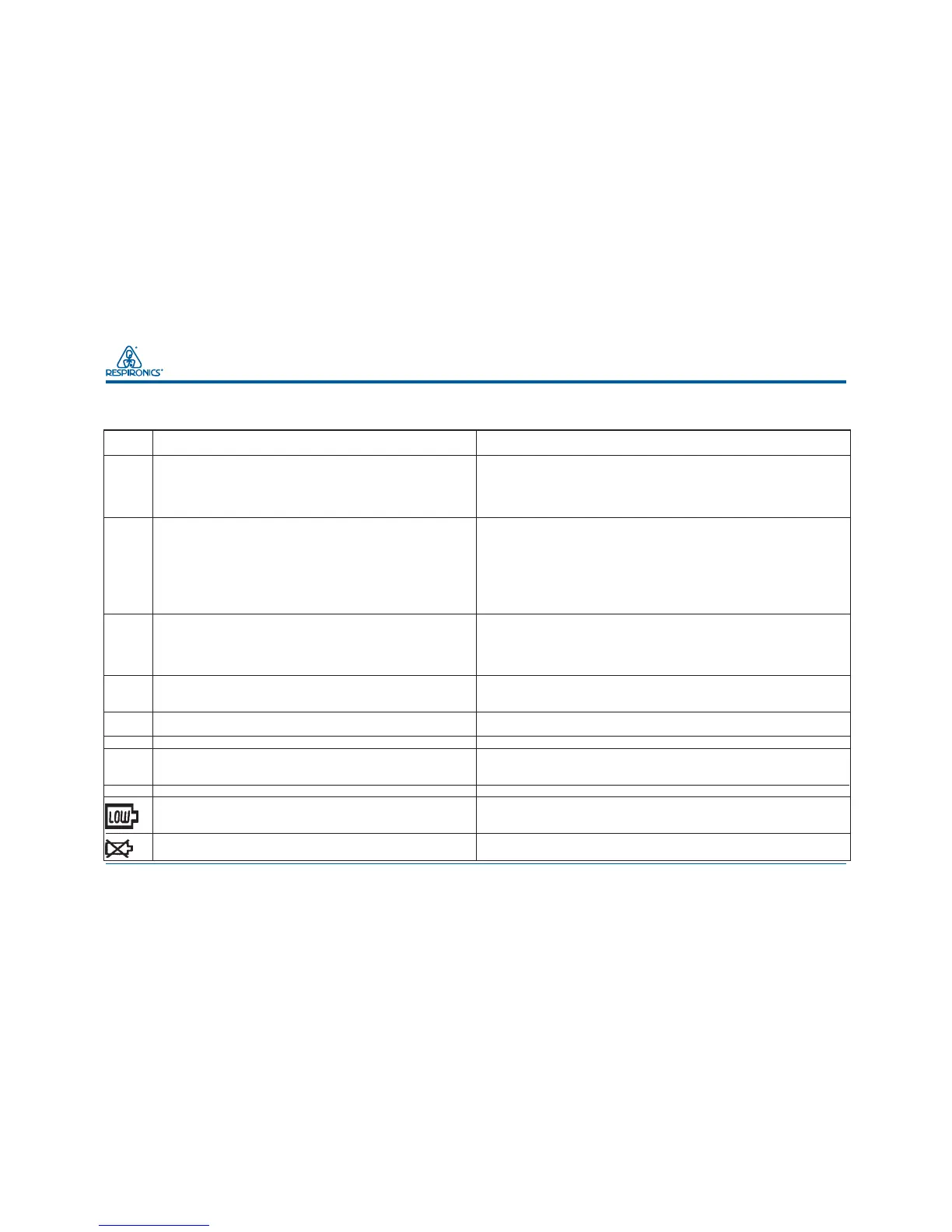
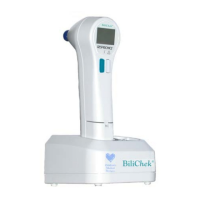
BiliChek Service Manual
18
1014988
11.0 Troubleshooting Guide
Display Window Indication Solution
E00 No user set-up information identified. Install a charged battery pack into the HHU. Press
F1 and F2 at the same time, hold for one second and then release. This
places the HHU in the Set-up mode. Enter settings specific to your
institution. See section 10.0 of this manual for Set-up Mode
instructions.
E01 Calibration measurement is unacceptable. Press and release F1 and F2 at the same time.
Ensure BiliCal tip is in place and retry the calibration. If the error
continues: 1. Place a fully charged Battery Pack in the HHU, install a
new BiliCal Tip, and try again to calibrate several times.
2. Remove and rotate the BiliCal tip and retry. 3. Replace the measurement
light bulb (see Section 14.1 for instructions) and retry. If the error is still
present, the HHU has malfunctioned and requires service. Call
Respironics or your distributor.
E02 Patient measurement is unacceptable. Press and release F1 and F2 at the same time. Take another
measurement. If E02 occurs again, replace the BiliCal tip, repeat
calibration and retry the measurement. If the error is still present, the
HHU has malfunctioned and requires service. Call
Respironics or your distributor.
E03 BiliCal Individual Calibration Tip removed Press and release F1 and F2 at the same time.
between calibration and measurement scan. Remove the BiliCal Individual Calibration Tip.
Replace with a new tip and recalibrate.
E04 Too much movement during measurement. Press and release F1 and F2 at the same time.
Perform another measurement.
E05 High Measurement is out of clinically proven range. Obtain a Total Serum Bilirubin level (TSB)
E10 Light bulb is burned out. Replace measurement light bulb (see section 14.1 for instructions). If
error continues, the HHU has malfunctioned and requires service. Call
Respironics or your distributor.
E99 System error is detected. Call for Service.
Low battery pack. Maximum of 10 measurements left. Replace current battery pack with a fully
charged battery pack from the charger base and place the discharged
battery in well B for charging.
Discharged Battery pack. Replace current battery pack with a fully charged one from the charger
No measurements can be taken. base. Place the discharged battery pack into well B for charging.
Display
Window
Indication
Solution
11.1 Troubleshooting Guide


 To Next Page