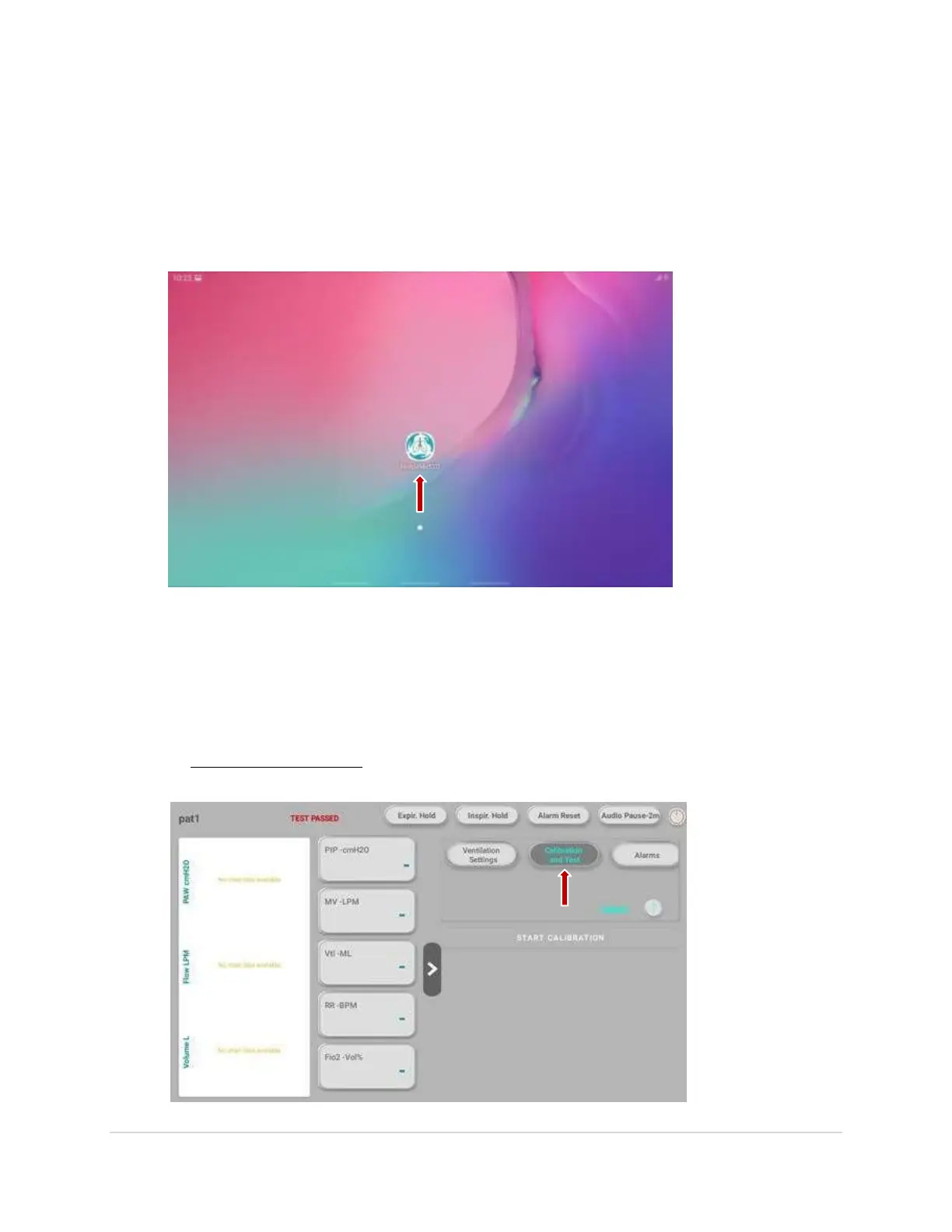
Powering on the Device
1. Switch on the Ventilator and the Tablet.
2. To start the software, Click on the software icon on the screen.
Calibration Process
1. To calibrate the Ventilator, at the central right side on the screen, click on the “Calibration
and Test button and not on the Upload button. “Do not start the process without
calibrating”. Avariety of sensing elements are present within these ventilators that need to
be verified and calibrated periodically to maintain their performance.
9 | P a g e


 To Next Page