EasyManua.ls Logo

Response SA1 - User Manual

Default Icon
24 pages
Print Icon
To Next Page IconTo Next Page
Loading...
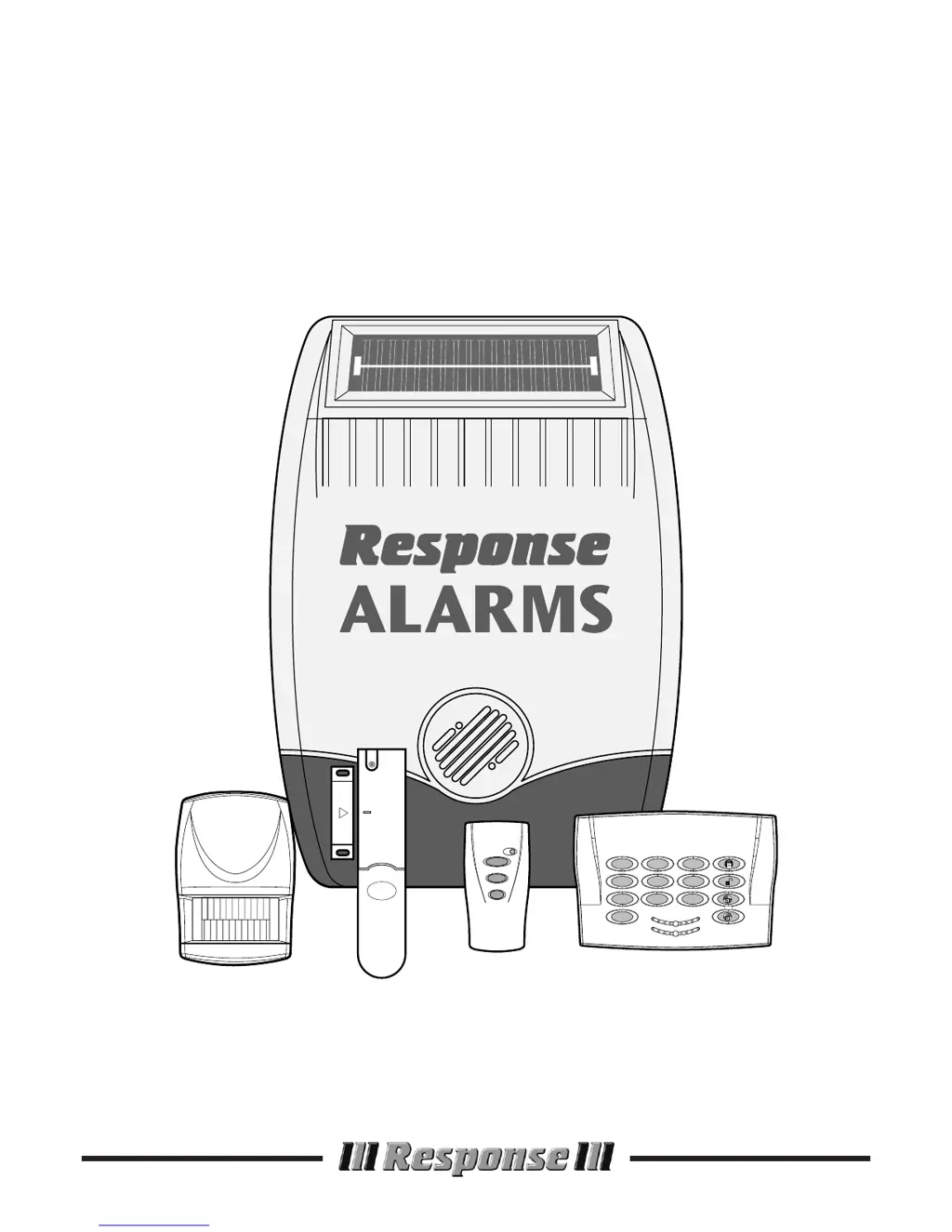
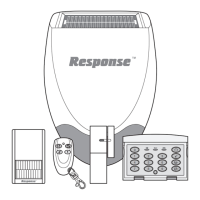
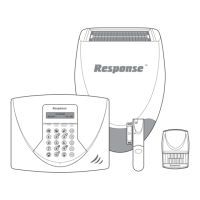
Installation & Operating
Manual
SA1/SA2/SAC1
Wirefree
Alarm Systems
1
4
7
0
2
8
56
9
3
LOW BATT.
ON AIR
2
1

Questions and Answers

  • A
    anthony37Aug 17, 2025
    How to stop Response SA1 PIR Movement Detector from false alarming?
    • M
      Molly CarpenterAug 18, 2025
      To stop your Response Security System's PIR Movement Detector from false alarming, make sure it isn't pointed at heat sources or moving objects. Also, ensure it's not above a radiator or heater, facing a window, or in direct sunlight. Check for draughts, and consider resetting the pulse count to two pulse detection.
  • A
    Alyssa RichardAug 20, 2025
    How to fix Response SA1 Security System magnetic contact detector false alarming?
    • W
      William CortezAug 20, 2025
      If your Response Security System's Magnetic Contact Detector is false alarming, ensure that the gap between the magnet and detector is less than 10mm. Also, check that the tamper switch below the battery cover is depressed, the battery cover is fitted correctly, and that the fixing lugs are not broken.
  • K
    Krista MartinezAug 22, 2025
    Why does Response SA1 Security System siren give full alarm when not activated?
    • J
      Jimmy JonesAug 22, 2025
      If your Response Security System siren is giving a full alarm when it hasn't been activated by an intruder or is disarmed, check all detector battery covers for security and ensure the Solar Siren is adequately fixed to the external wall. It may also be due to the Personal Attack Alarm being operated from a Remote Control or Keypad, or the Jamming detection circuit operation.
  • D
    Donald GibbsAug 25, 2025
    What to do if Response SA1 Security System siren is not responding to remote control?
    • J
      Jamie HolmesAug 26, 2025
      If the siren on your Response Security System isn't responding to the Remote Control or Keypad, first ensure that the ‘House Code’ is the same as that set on the Siren. Also, check if the system is in Service Mode and switch it to Operating mode using the Remote Control. An incorrect User Access code being entered at the Keypad, a flat Remote Control/Keypad battery, or a discharged Siren rechargeable battery could also be the cause. In the latter case, clean the Solar Panel. As a last resort, reset the system by disconnecting the Siren rechargeable and initial power-up batteries, covering the Solar panel with light proof material for 1 minute, then reconnecting the batteries and removing the Solar panel cover and taking out of Service Mode.
  • K
    Kerry HallAug 27, 2025
    What to do if Response SA1 siren is not responding to detector?
    • S
      Shane HillAug 27, 2025
      If the siren on your Response Security System isn't responding to a detector, first replace the detector battery if it is low. Ensure the system is in Operating mode, not Service Mode (use Remote Control). Verify that the detector ‘House Code’ matches the Siren's. Lastly, confirm the detector is within the Solar Siren's radio range and that equipment isn't near metal objects.
  • A
    Adam ReevesAug 30, 2025
    Why is Response SA1 Security System PIR movement detector not detecting movement?
    • J
      Jamie RobinsonAug 30, 2025
      If your Response Security System's PIR Movement Detector isn't detecting movement, check the battery connections. If that's not the problem, reset the pulse count to one pulse detection. Also, check that the detector is correctly set up, DIP switches 1-4 of SW3 are correctly set, the detector is mounted correctly (detection window at the bottom) and at the right height (2-2.5m). Finally, allow up to three minutes for the detector to stabilise.
  • A
    Amanda LawrenceSep 1, 2025
    Why is my Response SA1 Security System magnetic contact detector not working?
    • A
      Anthony EstradaSep 1, 2025
      If your Response Security System's Magnetic Contact Detector isn't working, ensure the batteries are connected with the correct polarity and that the battery connections are good. Also, ensure the ‘House Code’ matches the Solar Siren and that DIP switches 9 and 10 are set correctly. If no external contacts are connected, make sure the jumper link is fitted. If external contacts are connected, remove the jumper link and check that all contacts are closed and wired in series.
  • R
    rmathisSep 4, 2025
    Why does Response Security System siren give full alarm when arming?
    • N
      nsandersSep 4, 2025
      If your Response Security System siren gives a full alarm when arming, adjust the tamper plunger and ensure the switch fully closes when the Siren is mounted. If the wall is excessively uneven, the siren may need relocated to a more suitable position.
  • L
    Lauren ClarkSep 6, 2025
    What to do if Response SA1 Security System keypad is not operating?
    • R
      rmillerSep 7, 2025
      If the keypad of your Response Security System is not operating and the ‘On-Air’ light doesn't illuminate, it might be due to an incorrect access code being entered. Another possible reason is a low battery, so try replacing the battery.
  • E
    Eric JohnsonSep 9, 2025
    Why is LED on Response Security System remote control not illuminating?
    • M
      Mrs. Brittany Foster DVMSep 9, 2025
      If the LED on your Response Security System Remote Control isn't illuminating or is dim when operated, ensure the battery is connected with the correct polarity and that the battery connections are good. If the problem persists, replace the battery with an Alkaline type.

Summary

SYSTEM SECURITY

System Design and Security

Explains the system's design for intruder detection and deterrence.

SAFETY

Installation Safety Precautions

Offers safety advice for using tools and working at heights.

EXTERNAL SOLAR SIREN

Configuration Settings

Details setting the House Code, alarm duration, and other functions via DIP switches.

Selectable Features

Explains options to disable beeps, the siren, or enable jamming detection.

REMOTE CONTROL UNIT

Configuration Process

Details how to set the House Code on the remote control.

KEYPAD

Changing User Access Code

Explains the process to modify the keypad's user access code.

Testing the Keypad

Details how to test keypad functions like arming, disarming, and PA.

PASSIVE INFRA RED (PIR) MOVEMENT DETECTORS

Testing the Detector

Outlines how to test the PIR detector's functionality in walk test mode.

MAGNETIC CONTACT DETECTOR(S)

Detector Configuration

Details setting House Code and other functions via DIP switches for magnetic contacts.

Testing Procedure

Outlines how to test the magnetic contact detector's activation.

TESTING THE SYSTEM

Installed System Test

Details comprehensive testing of all system components after installation.

OPERATING INSTRUCTIONS

System Service Mode

Explains how to enter and exit Service Mode for maintenance.

Personal Attack (PA) Alarm

How to initiate an immediate alarm for personal safety.

MAINTENANCE

TROUBLE SHOOTING

Siren Issues

Addresses common problems with the siren not responding or false alarms.

Detector Response Problems

Troubleshoots issues with PIR detectors not detecting or false alarming.

Magnetic Contact Detector Issues

Addresses problems with magnetic contacts not working or false alarming.

COMPONENT SPECIFICATION

Response SA1 Specifications

General IconGeneral
BrandResponse
ModelSA1
CategorySecurity System
LanguageEnglish

Related product manuals