EasyManua.ls Logo

Response SA1 - User Manual

Default Icon
24 pages
Print Icon
To Next Page IconTo Next Page
Loading...
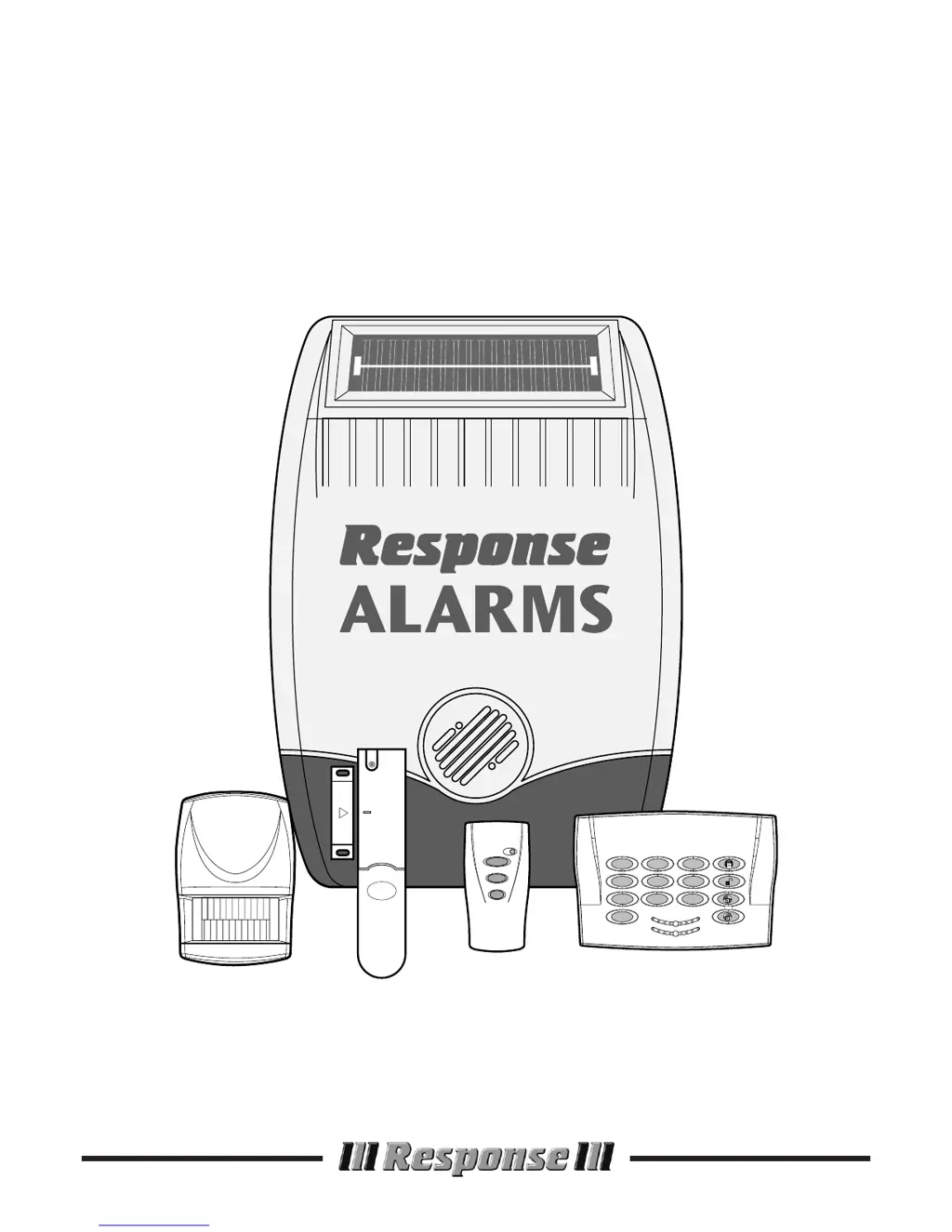
Installation & Operating
Manual
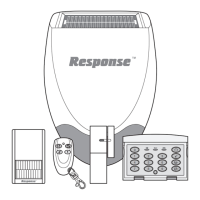
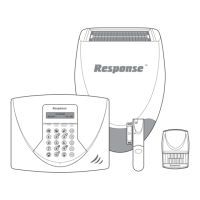
SA1/SA2/SAC1
Wirefree
Alarm Systems
1
4
7
0
2
8
56
9
3
LOW BATT.
ON AIR
2
1

Questions and Answers

Summary

SYSTEM SECURITY

System Design and Security

Explains the system's design for intruder detection and deterrence.

SAFETY

Installation Safety Precautions

Offers safety advice for using tools and working at heights.

EXTERNAL SOLAR SIREN

Configuration Settings

Details setting the House Code, alarm duration, and other functions via DIP switches.

Selectable Features

Explains options to disable beeps, the siren, or enable jamming detection.

REMOTE CONTROL UNIT

Configuration Process

Details how to set the House Code on the remote control.

KEYPAD

Changing User Access Code

Explains the process to modify the keypad's user access code.

Testing the Keypad

Details how to test keypad functions like arming, disarming, and PA.

PASSIVE INFRA RED (PIR) MOVEMENT DETECTORS

Testing the Detector

Outlines how to test the PIR detector's functionality in walk test mode.

MAGNETIC CONTACT DETECTOR(S)

Detector Configuration

Details setting House Code and other functions via DIP switches for magnetic contacts.

Testing Procedure

Outlines how to test the magnetic contact detector's activation.

TESTING THE SYSTEM

Installed System Test

Details comprehensive testing of all system components after installation.

OPERATING INSTRUCTIONS

System Service Mode

Explains how to enter and exit Service Mode for maintenance.

Personal Attack (PA) Alarm

How to initiate an immediate alarm for personal safety.

MAINTENANCE

TROUBLE SHOOTING

Siren Issues

Addresses common problems with the siren not responding or false alarms.

Detector Response Problems

Troubleshoots issues with PIR detectors not detecting or false alarming.

Magnetic Contact Detector Issues

Addresses problems with magnetic contacts not working or false alarming.

COMPONENT SPECIFICATION

Response SA1 Specifications

General IconGeneral
BrandResponse
ModelSA1
CategorySecurity System
LanguageEnglish

Related product manuals