2
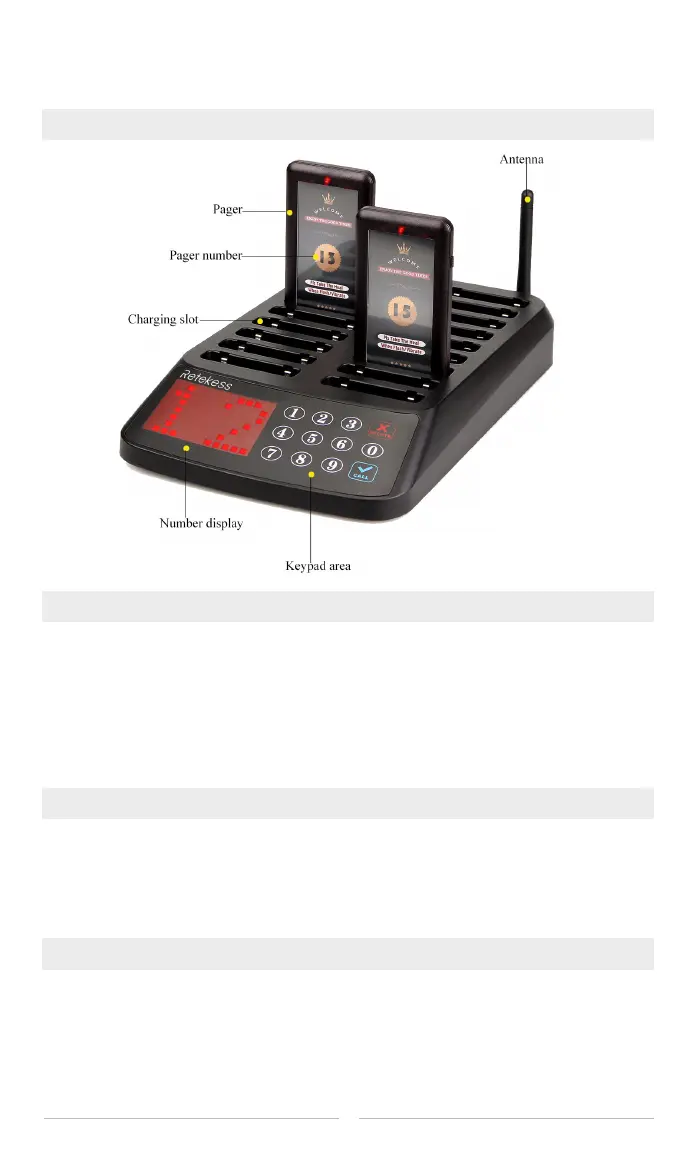
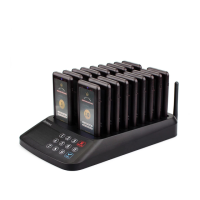
Diagram of Transmitter
Pairing method
Pairing---Press the receiver's Function key and Cancel key at the same time, now the
2 red indicators on the right side will be lighted on, input a number and press Call key
on the keypad, the receiver will vibrate and beep, that means they have paired
successfully.
Deleting---if we want to delete the receiver’s number, just pair to another number.
Adjust reminding time for receiver
Every time when press the Function key, an indicator will be lighted on, and every 7
seconds of the reminding will be lengthen. It can be lengthen to 35 seconds at most
and 2 seconds at least.
Method for turn on/off the receiver
Long press Function key can power off the receiver, and short press it can power on.
Note: if we want to power off all the receiver, just put all of them on the charging slot,
input 99 and press Call key can power off them. Also we can reconnect the
device to the power supply to power on all the receiver.


 To Next Page