4
Set the Function
The first function: set only vibration without beep
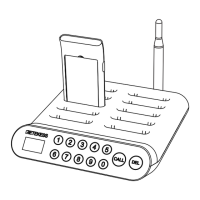
Remove the plate and paper jam. You will see a small copper dot, press the copper
dot. The indicator light on the handle will light. There are 5 indicators light, when all
5 indicators light are on, press the copper again to turn off the indicator light. At this
time, press the button on the pager side, the setting is completed, this will exit the
settings mode. This setting for vibration only and no sound is completed.
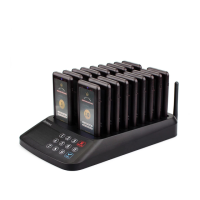
The second function: set and change the transmitter base ID number
Generally, the ID number of each base is different. If you need 2 sets of products
and 2 bases to control 36 vibrating cards at the same time. It is necessary to change
the base and ID. When the IDs of the two bases are changed to be consistent, all
customers receivers can be addressed. The specific settings are as follows:
1. Power off the charging base then power-on the unit.
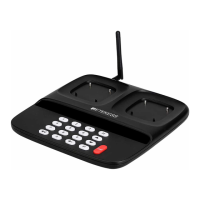
2. Within 5 seconds after power-on, long press the DELE and CALL buttons to enter
the setting state.
3. After entering the setting mode, the dot matrix displays the existing ID of the base,
and then sets the required ID number by pressing the number from 0 to 9.
4. Press the CALL button to save, exiting the setup mode, and changing the ID
number.


 To Next Page