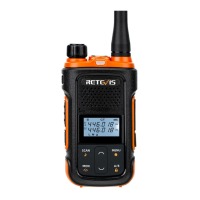
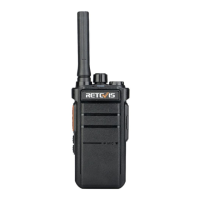
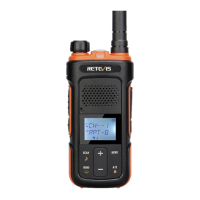
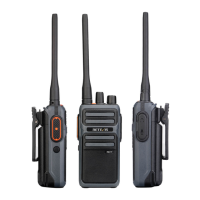
H. Speaker
time, long-press UP+DOWN to enter scan mode
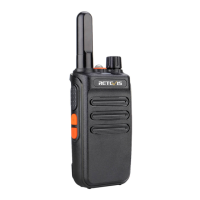
C. Power Switch/Volume Control.
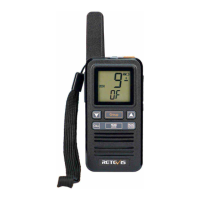
F. Torch/Lock Button --- Short press the flashlight on or off,
long-press to lock or unlock the keyboard.
G. Speaker/Microphone Jacks
E. Monitor Button --- long-press to open the monitor, release to
cancel the monitor.
D. PTT Button --- Press PTT+DOWN key to turn on, change
Chinese/English prompt.Press PTT+UP key to transmit
repeater to activate the audio DTMF(1750HZ、1450HZ、
2100HZ) The factory default is 1750HZ, others can be changed
by programming software.
I . Led Torch
J. Mic hole
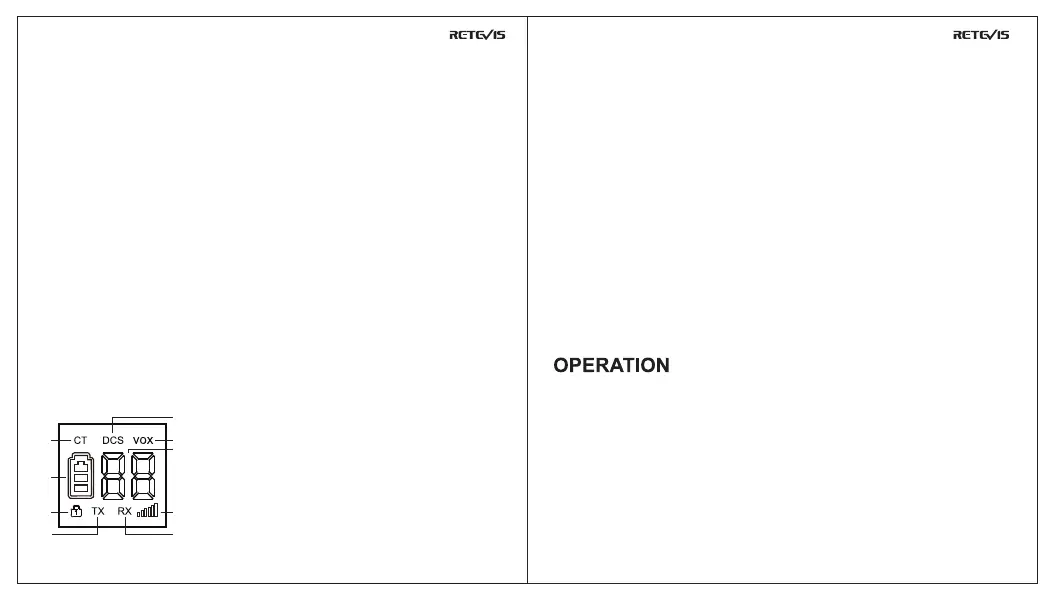
receiving and transmitting at CTCSS mode.
1. CT analog CTCSS: it means that the current channel is
9. Channel display: display the current channel number.
Note: the radio enters the power saving mode after 10s of standby, the
screen does not light in this mode and the receiving green light will
blink at this time.
2. DCS digital CDCSS: it means that the current channel is
receiving and transmitting at CDCSS mode.
3. VOX function: it means that the VOX turn on.
4. Key lock: it means that keyboard is lock and don’t change
up/down operation, except monitor and PTT key.
5. TX: it means that radio is in the transmitting state and the
transmitting and receiving intensity meter is lit.
6. RX: it means that radio is in the receiving state and the transmitting
and receiving indicator is lit at same time.
7. Transmitting and receiving indicator.
8. Power and charge indicator: it means current battery level. The battery
level jumps back and forth from 1 to 3 in the charging state(Not displayed
during shutdown).
L. Battery pack charging port (5 pin)
K. Led indicator of battery pack
M. Screen area-----Display operate information
Turn the power switch/volume control clockwise. You will hear a
beep and speech, indicating the transceiver is ON.
Hold Monitor button down to listen to audio level while rotating
the Power switch/Volune control. Rotate clockwise to increase
and counter-clockwise to decrease volume.
In the standby mode, press UP/DOWN key, step up or down to
select the channel. Long-press UP/DOWN to quickly switch
SWITCHING POWER ON/OFF
VOLUME CONTROL
SELECTING THE CHANNEL
LED screen display define
1
2
3
9
4
5 6
7
8
05 06


 To Next Page