EasyManua.ls Logo

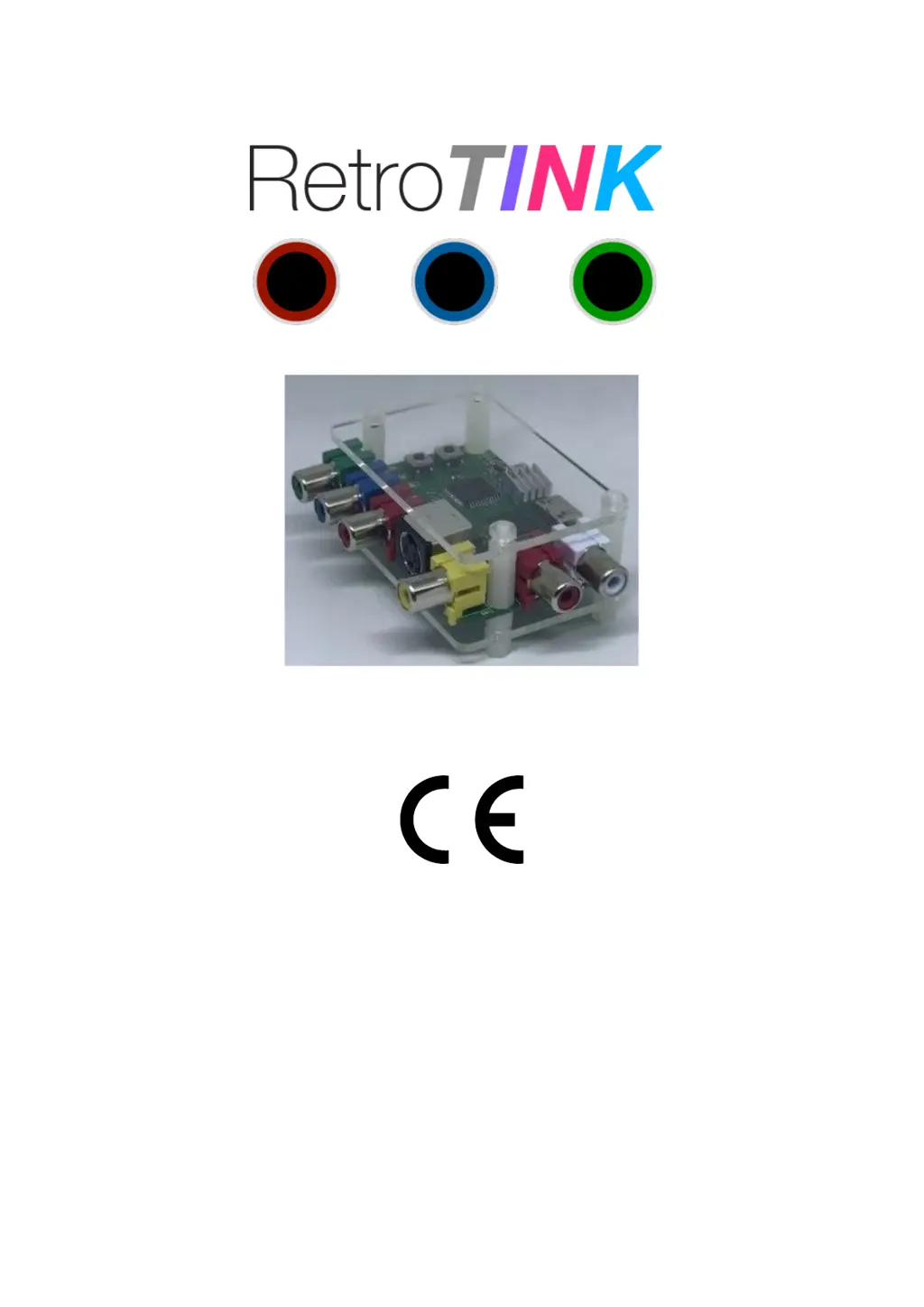
RetroTINK 2X - User Manual

RetroTINK 2X
9 pages
Print Icon
To Next Page IconTo Next Page
Loading...
RetroTINK 2X - Quick Start Guide
This document is copyright © ACEL Systems Ltd 2018
All rights reserved worldwide
VideoGameperfection.com is a trading name of ACEL Systems Ltd
Registered in England number 10981211

Questions and Answers

  • E
    Emily NicholsJul 28, 2025
    Why does my RetroTINK 2X Game Console keep resetting?
    • J
      Jamie ClarkJul 28, 2025
      If your RetroTINK 2X resets itself, the power supply might be insufficient. Try using a different USB port that provides at least 1 amp of current, or purchase a dedicated power supply.
  • T
    Tracy MooreAug 1, 2025
    What to do if my RetroTINK Game Console picture is black and white?
    • S
      Shannon FitzgeraldAug 1, 2025
      If your RetroTINK Game Console displays a black and white picture, the wrong input might be selected. Press the input button and select the appropriate input.
  • S
    Stephanie ComptonAug 6, 2025
    How to fix no image on RetroTINK 2X Game Console?
    • A
      ashley45Aug 7, 2025
      If there is no image on your RetroTINK 2X, it might be due to a sync loss. Try power cycling the RetroTINK 2X.
  • S
    smithpamelaAug 11, 2025
    Why is there no image on my RetroTINK 2X Game Console?
    • G
      Gary TerryAug 11, 2025
      If your RetroTINK 2X Game Console shows no image, it could be because a 480p (or higher) signal is being fed in. The RetroTINK 2X only supports 240p and 480i signals, so change the input resolution.
  • J
    jennifer95Aug 17, 2025
    What to do if RetroTINK 2X has no image or distorted image?
    • L
      Lisa FordAug 17, 2025
      If your RetroTINK Game Console displays no image or a distorted image, transcoding mode may be selected on the HDMI device. Select line double mode, as most HDMI devices do not support 240p via HDMI.
  • J
    John ChanAug 21, 2025
    Why does my RetroTINK 2X Game Console image have a vertical flicker?
    • C
      Craig AndersonAug 22, 2025
      If the image on your RetroTINK 2X Game Console has a vertical flicker or shimmer effect, it's likely due to an interlace source being connected. This is a normal side effect of lag-free deinterlacing, so no action is required.

Summary

Important Safety Information

General Safety Precautions

Summarizes key safety guidelines for operating the RetroTINK 2X, including power, connections, and environmental factors.

RetroTINK 2 X Overview and Controls

Power and Output Connections

Details the USB power input and Mini HDMI output ports for connecting the device and display.

Audio and Video Inputs

Explains how to connect analogue audio and various video signals (Component, S-Video, Composite).

Input and Mode Selection

Describes the buttons for switching between video inputs and selecting output smoothing modes.

RetroTINK 2 X Output Modes Explained

Transcoding Only Mode (Mode 1)

Mode 1 performs digitisation only, outputting the input resolution without scaling or deinterlacing.

Line Doubling Mode (Mode 2)

Mode 2 converts 240p to 480p and deinterlaces 480i to 480p using a bob technique.

Doubling + Smoothing Mode (Mode 3)

Mode 3 applies an image smoothing filter to reduce jagged edges in classic video game graphics.

Handling Interlace Video

Using RetroTINK 2 X with CRT Monitors or OSSC

Troubleshooting Common Issues

More Information and Disposal

Technical Support and Resources

Provides links to the RetroTINK 2X Wiki and support forums for help and additional information.

Product Disposal and Warranty

Information on how to dispose of the unit responsibly and details regarding warranty services.

RetroTINK 2X Specifications

General IconGeneral
BrandRetroTINK
Model2X
CategoryGame Console
LanguageEnglish

Related product manuals