Revolution 3D Printers INFINITY 3D
8-Sep-14 17 17
RAMPS Enclosure
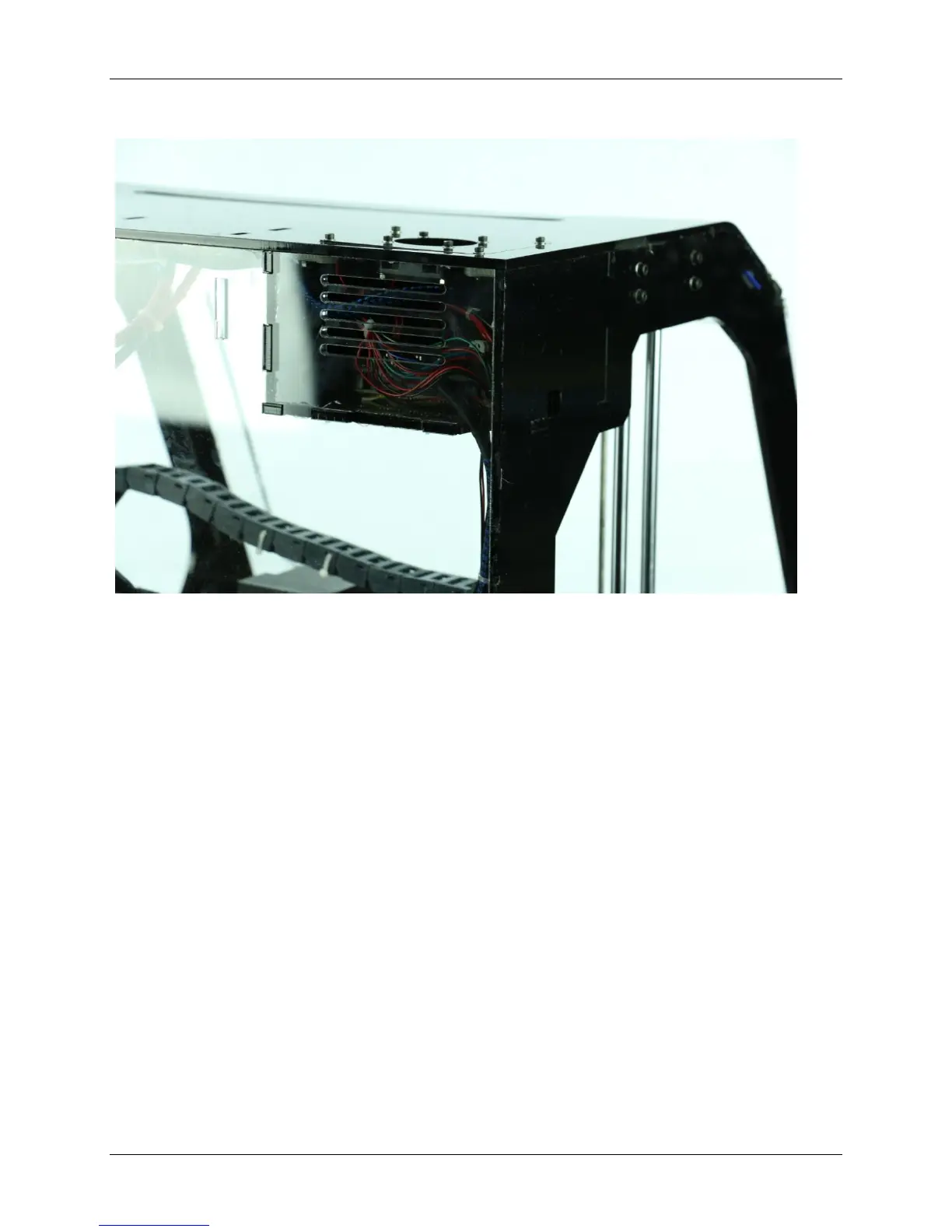
Figure 9 RAMPS Enclosure
The RAMPS enclosure, located in the aft LH corner, was designed to provide a
convenient place to house all necessary electronics as well as provide proper
cooling of circuitry to ensure trouble free operation. On the LH side of the printer
there is an access hole, this is where the USB printer cable will plug into for
tethered printing (running printer direct from computer) as well as connection to a
computer for firmware updates. Always turn power off and unplug printer before
opening the case cover. The cover has the cooling fan attached, care should be
taken on removal that the wires are not stressed and on installation ensure correct
polarity for fan plug. As with all the hardware that is installed directly into any
plastic parts, use very little torque on installation.



 To Next Page