Revolution 3D Printers INFINITY 3D
8-Sep-14 7 7
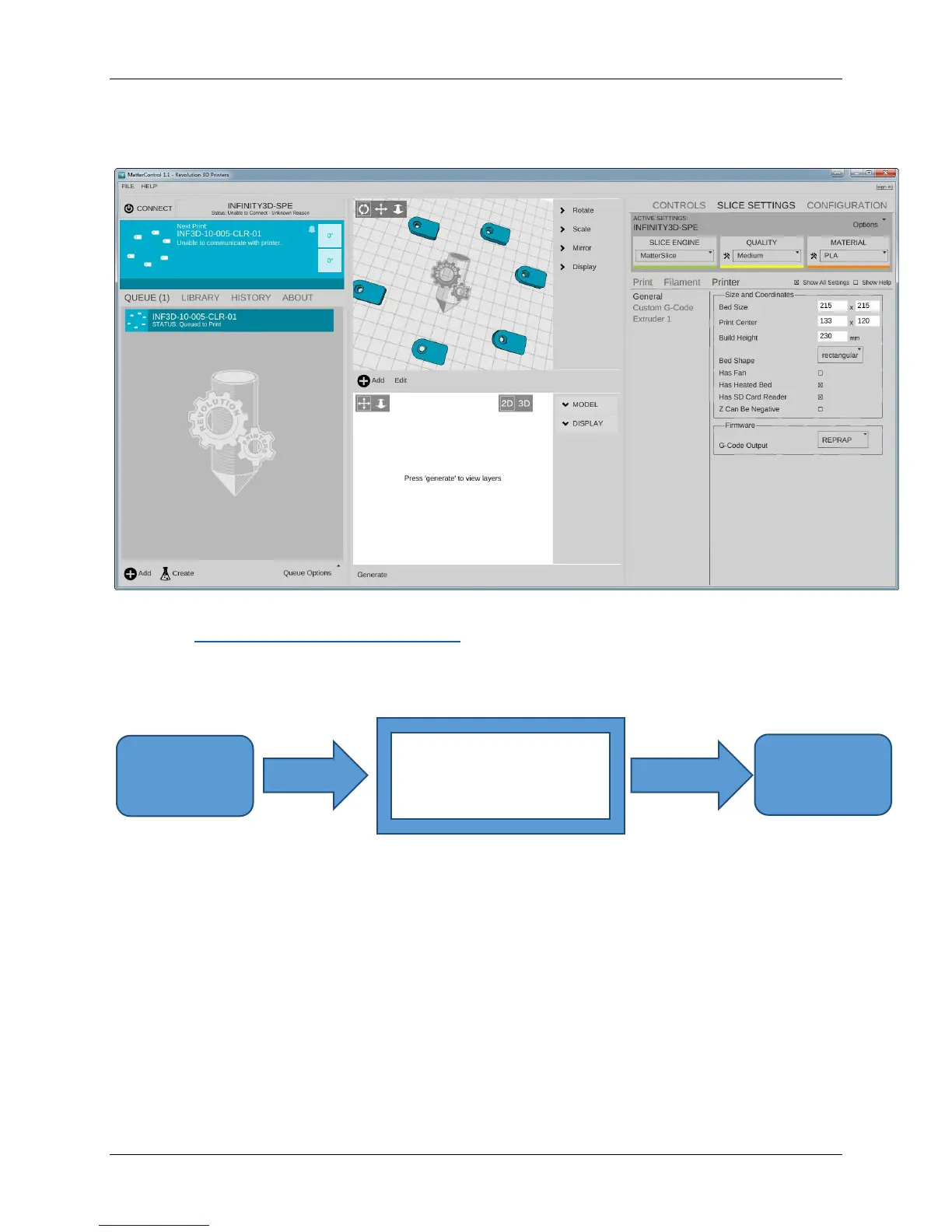
MatterControl
Figure 1 MatterControl
Website: http://www.mattercontrol.com
The slicing software is the first tool in the chain of 3D printing software. Slicing
software uses commonly used .STL files to create .gcode files.
Gcode files contain instructions for the 3D printer on where, when, and how fast to
make movements. This is where choosing the right slicing software to optimize your
.STL, .OBJ or .AMF file for 3D printing becomes critical to successful printing.
Although the INFINITY 3D printer will work with any slicing software, we’ve
chosen to highlight MatterSlice in the instructions of this operations manual.
The .STL file is a 3D model file that can be exported by all common CAD and 3D
modeling software. The MatterSlice software then slices the .STL 3D model into
layers and print paths to create a 3D printable .gcode file.



 To Next Page