EasyManua.ls Logo

Revopoint INSPIRE 3D SCANNER - Scanning Tips

Default Icon
47 pages
Print Icon
To Next Page IconTo Next Page
To Previous Page IconTo Previous Page
Loading...
INSPIRE 
C


Surface Features
Possible Solutions
Black or very dark objects
Shiny or reflective objects
Metal or electroplated surfaces
Transparent objects
Smooth object with few features
Apply scanning spray or fine powder
Stick markers on or around the object
Ob
jects Selection and Preparation
              
           



Hard-to-scan Surfaces


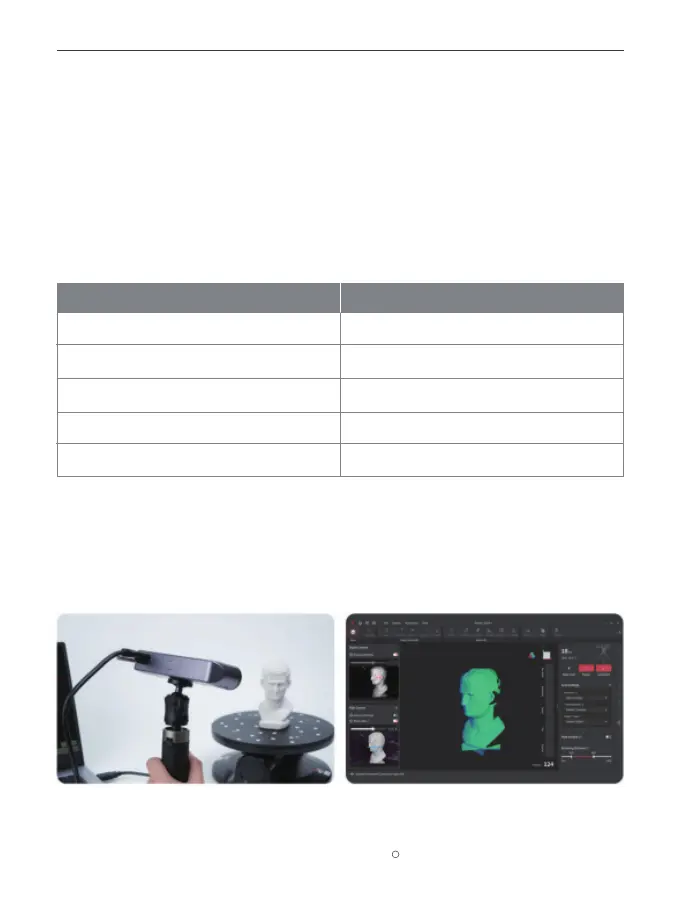
Aim at the Object

Other manuals for Revopoint INSPIRE 3D SCANNER

Related product manuals