15
How to set static IP address for the docking station
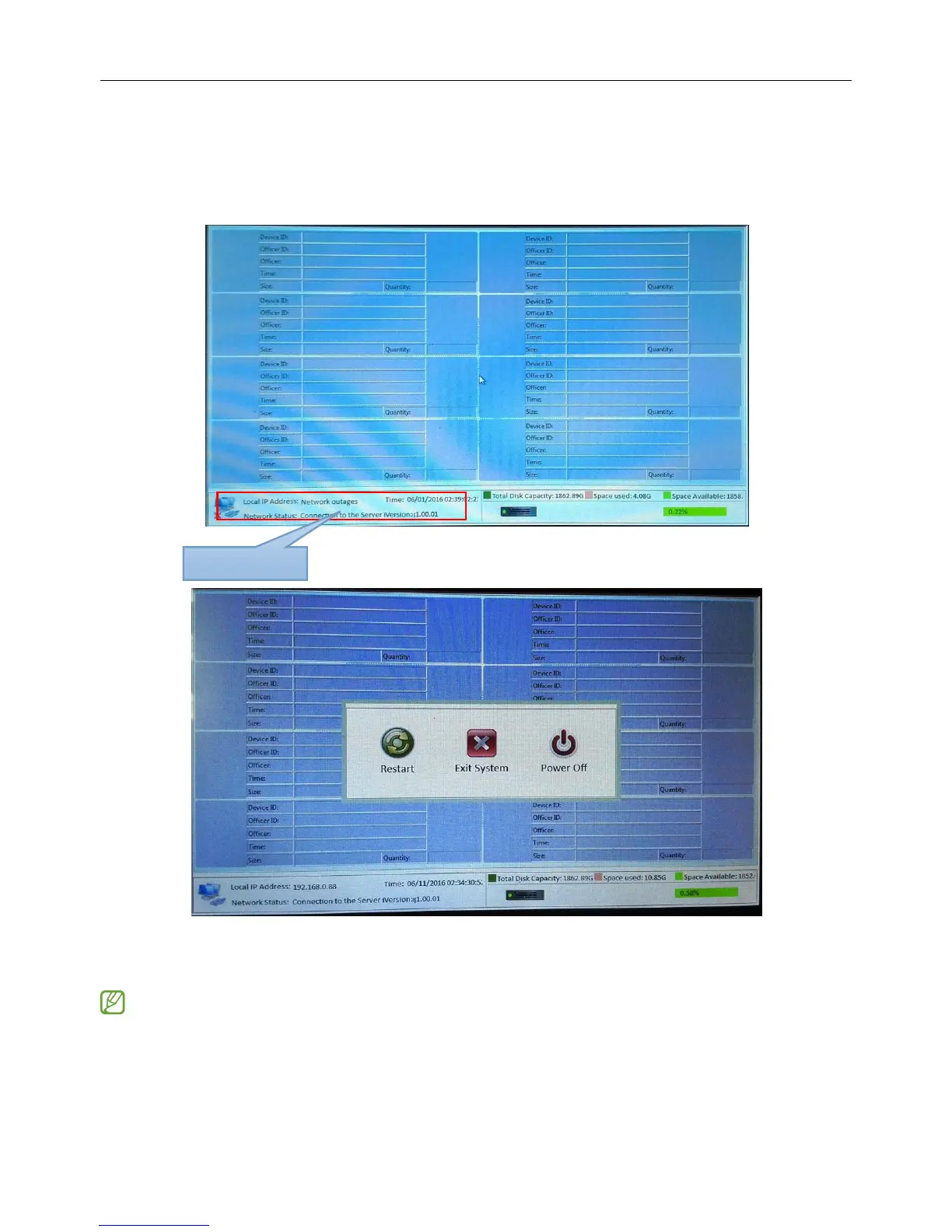
1、Please click the lower left corner of the screen and display the control panel, then please click button
"Exit System"
Please select "Exit system" button, then enter default password "2015", you will be sent to the windows
desktop.
3、 While on the windows desktop, navigate to "Control Panel-->Network and Internet--->Network
Connections", and locate the network adapter and setting properties.


 To Next Page