8
Switching the device On or Off
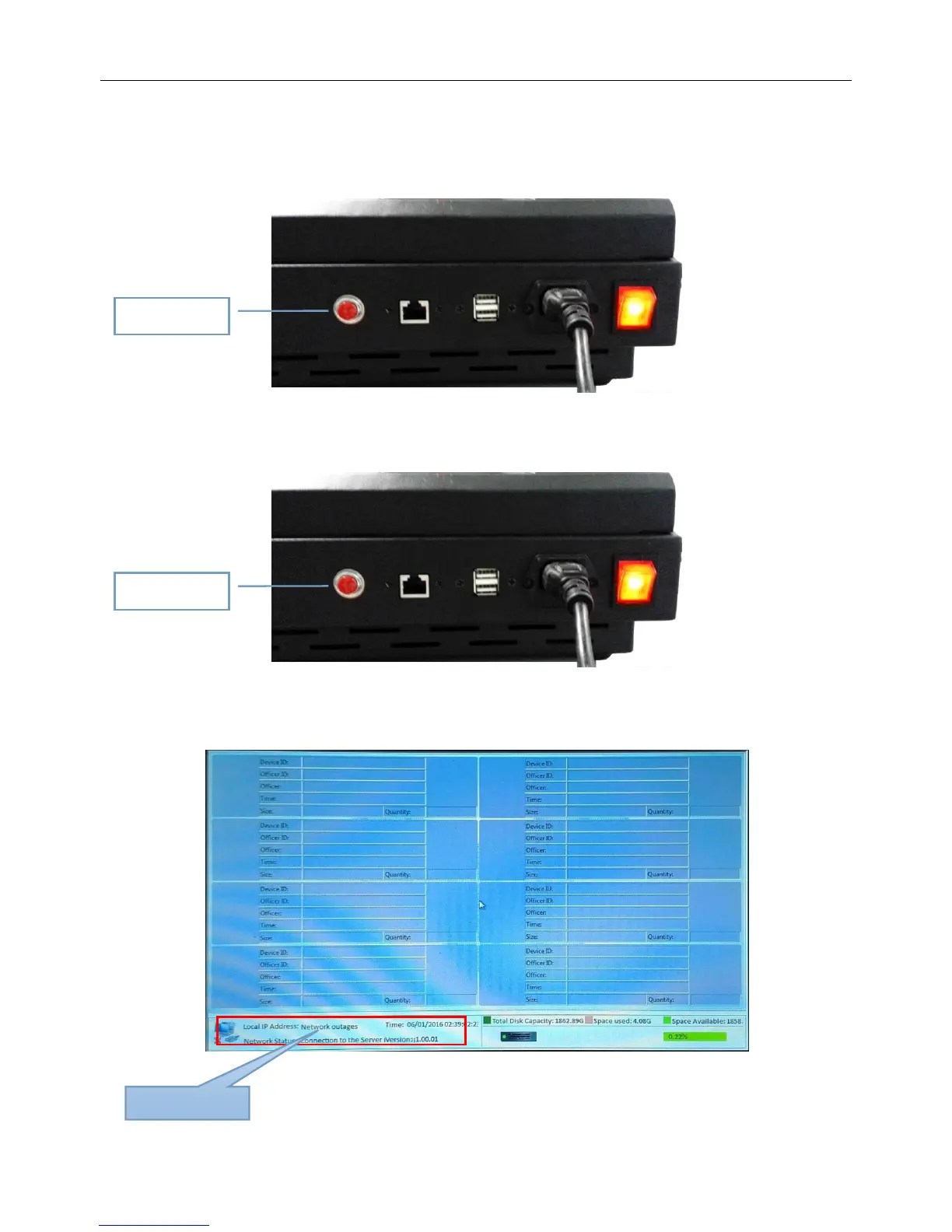
1、When you start the device, press the power switch to turn on the docking station.
2、To reset the device, press the "Reset" button。
3、If you want to switch off the docking station from software, click on the lower left corner of the screen
by your finger and navigate to the Control Panel and click "Power Off".


 To Next Page