32
6、Troubleshooting
Touch Screen
If the touch screen is not responding properly, try the following:
Remove any protective covers from the touch screen. Protective covers may prevent the device
identification or lead to incorrect input, we do not recommend the use of touch-screen devices with
the protective film.
Make sure to click the touch screen when fingers are clean and dry.
Restart the device to clear any temporary software bugs.
Make sure the LCD driver is operating normally.
If the touch screen is scratched or damaged, please contact Rewire Security.
Network
1、If you can’t connect the docking station, please check the RJ45 network line if it’s inserted properly.
2、Enter the window desktop, and open LAN card properties, And check if the IP Address is available.
System
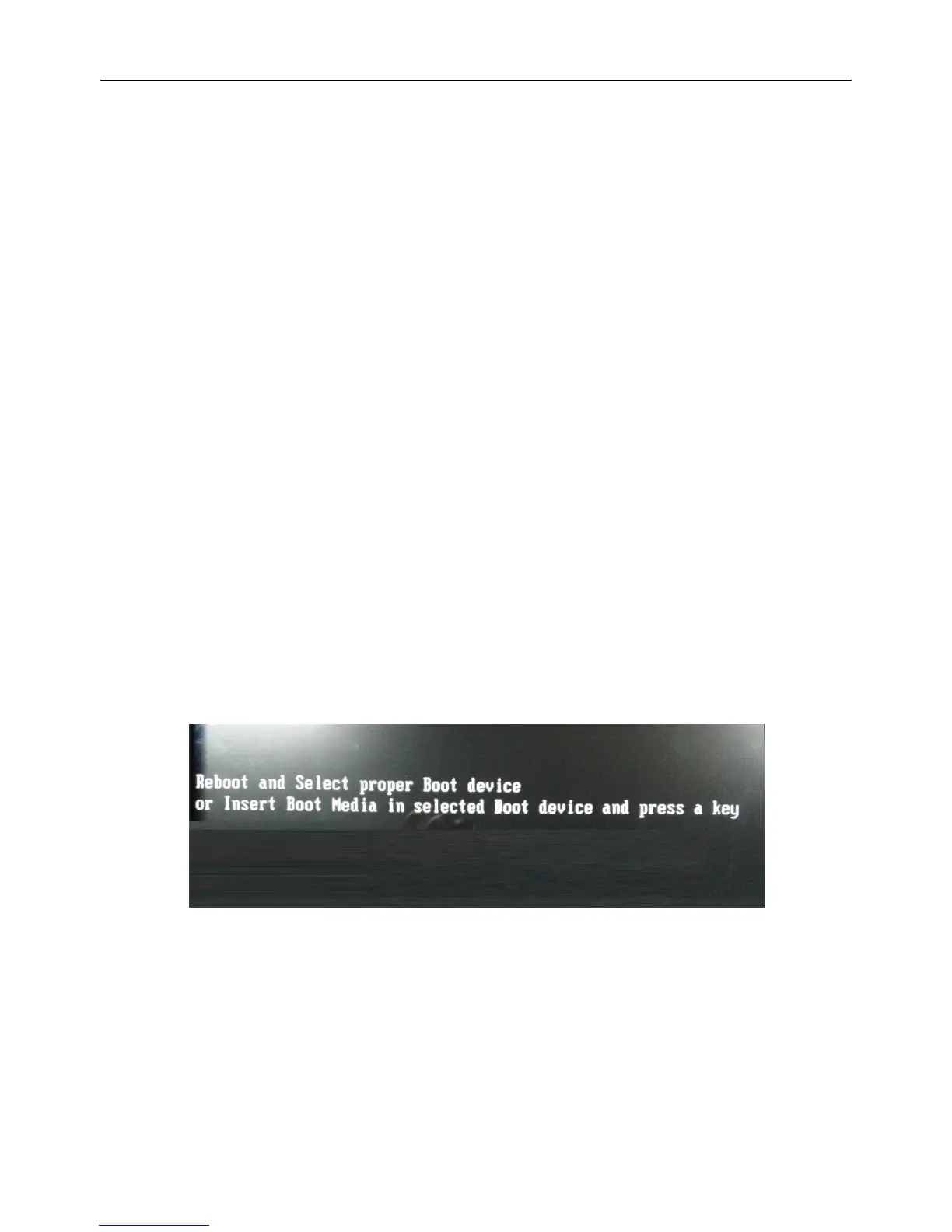
1、If operate system of docking station can’t boot, and if the screen shows this message:
It means the operating system boot files is damaged, please contact Rewire Security.


 To Next Page