Measurements taken from the surrounding tissue of the ear canal generate
lower readings and may result in misdiagnosis of fever.
4. DIRECTIONS FOR USE - EAR MODE
IMPORTANT: If using the thermometer for the first time, remove the plastic
strip located in the battery compartment.
1. If the forehead probe is attached, remove to setup thermometer in Ear Mode.
2. Switch on the thermometer by pressing the ON/OFF button. The last
measurement reading will automatically be shown on the display for 2
seconds with the “M” icon.
3. The thermometer is ready for use after you see the “
” icon on the display
screen and one beep is heard.
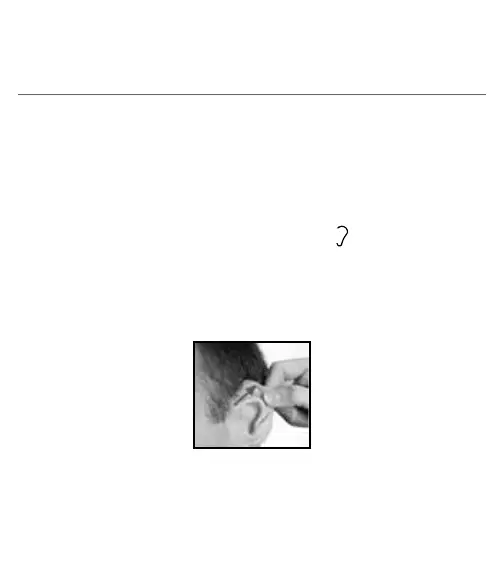
4. Straighten the ear canal by gently pulling the middle of the ear back and up.
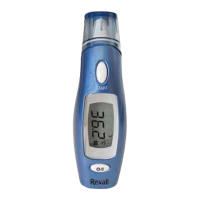
5. Place the probe firmly into the ear canal, press the START button and keep
the probe in the ear until the thermometer beeps to signal the completion of
the measurement.
Ages 2 years to adult
NOTE:
• Always insert the thermometer in the same ear with the same direction and
depth.


 To Next Page