Setup Steps:
1. Open the smart driving application and turn on BSD (blind spot detection). The
button turns from gray to blue.
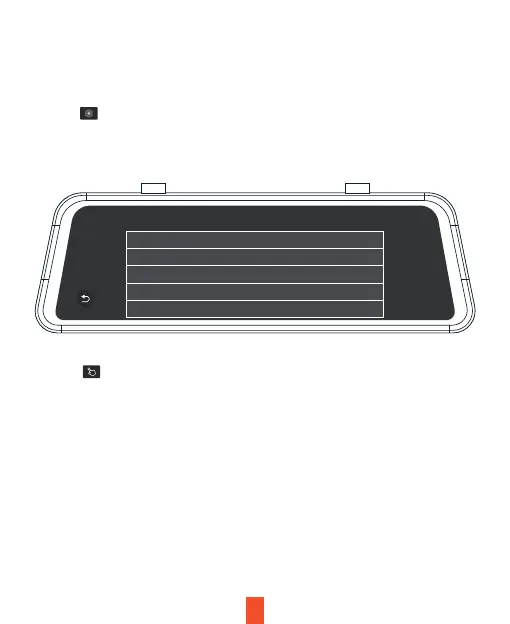
2. Click to access the BSD setup page. Click the option Monitoring sensitivity
and select the appropriate option (a default value may be used). Monitoring
sensitivity refers to the relative speed of the detected object and the vehicle.
17
Note: Sensitivity is the relative speed of the detected object and the
vehicle. The higher the speed, the essier it is to trigger an alarm.
Monitor alarm type
Monitoring sensitivity High
Motor
50km/h
Open
Open
Speed treshold
Alarm tone
Alarm area display
4. Click to access the BSD calibration page. You will initially see the concept
and a brief introduction on the calibration page. Click Next to access the real
calibration interface, as shown below. Move the red line up or down align with the
horizon (the intersection line between the sky and ground). Move the yellow line
up or down to the interface between the engine hood and ground. Move the green
line left or right to the focal point where the far end of the road intersects with the
horizon.



 To Next Page