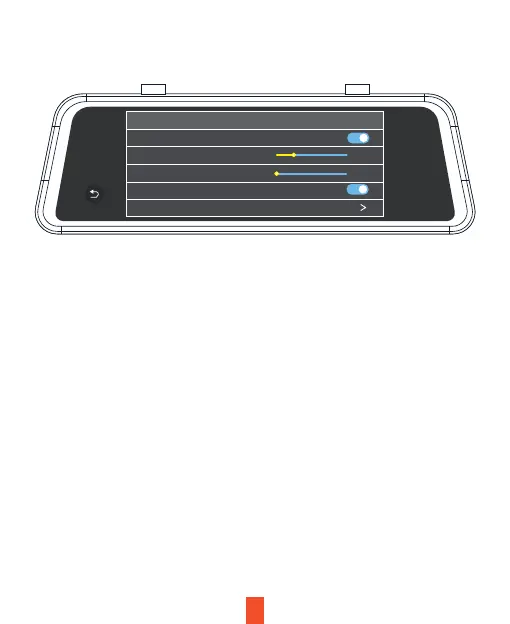
• Wi-Fi:
On, Of.
• Stream Media:
When this feature is switched on, the full screen rearview camera image is
displayed after starting the device.
VII. System Setup
• Brightness Setup:
10-100 Sets the brightness of the screen.
• Volume Setup:
0, 1, 2, 3, 4 Sets the audio volume of the system.
• Screensaver:
10S, 30S, 60S, off Sets the time to activate the screen’s sleep mode. The
display remains on without powering-off when sleep mode is deactivated.
• Speed Unit:
km/h or mph Sets the speed unit.
27
System setting
Stream media switch
Brightness setting
Volume setting
Keytone
Screen sleep
Closed
0
33



 To Next Page