Track Playback
I. Video Track Playback:
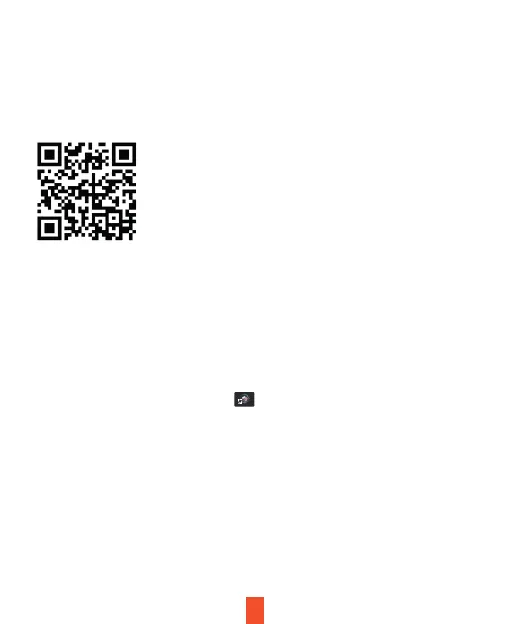
Please download GPS logger player through the link
https://www.rexingusa.com/support/rexing-apps/ OR Scan the QR Code below.
Operating Steps:
The video track player enables display of traveling track information when
playing a video.
1. Connect the MicroSD card to the computer via a card reader.
2. Please follow the steps to download and install the GPS player onto your
computer.
3. After installation, click the shortcut icon to run the player. The following
picture shows the player playing a video with front and rear tracks of road.
29



 To Next Page