V1P 3rd Gen Manual
17
©2018 REXING All Rights Reserved
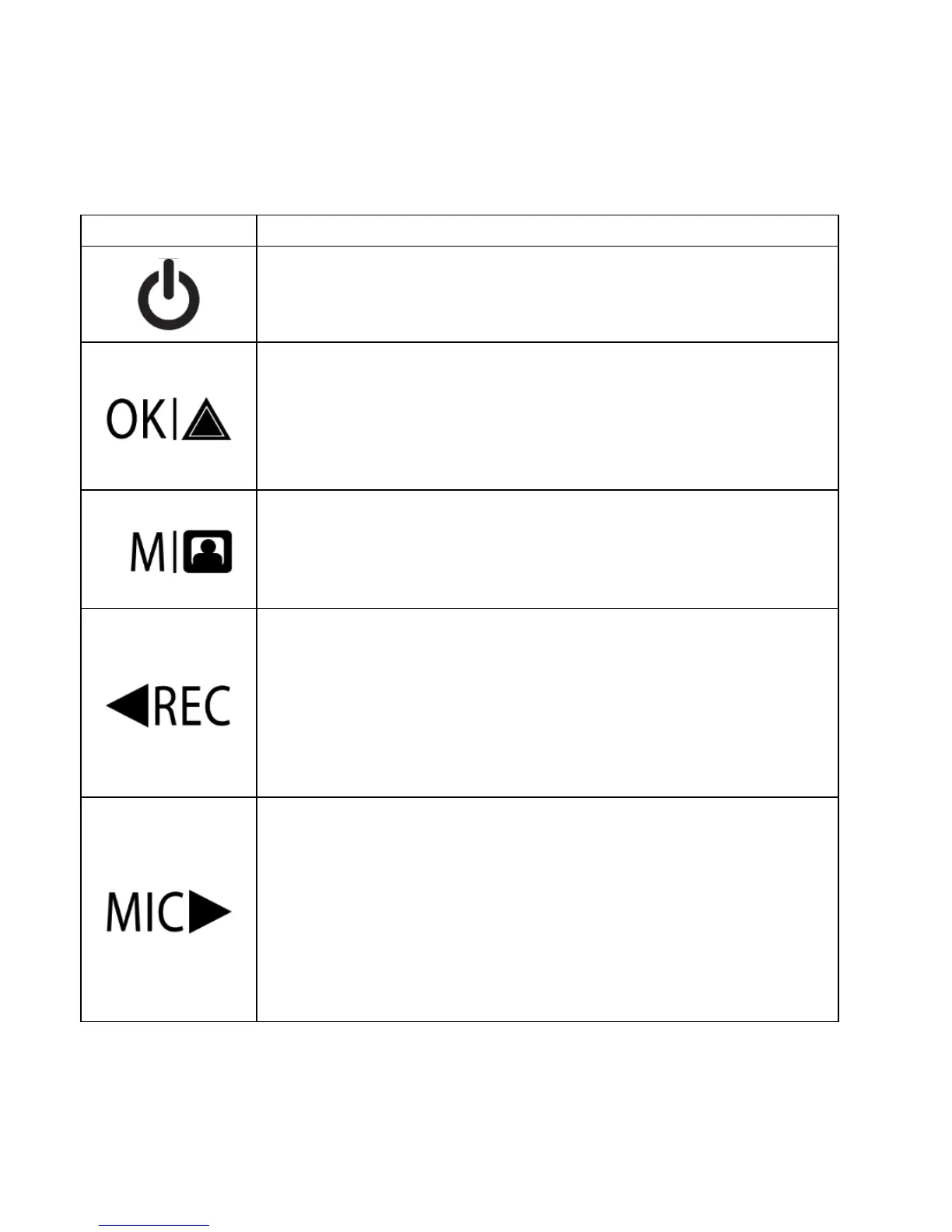
Buttons
Press: Toggle display on or off
Hold: Turn the device on or off manually
Menus: Confirm a selection
Video Mode: Manually lock current recording
Photo Mode: Take photo
Playback Mode: Start / stop playback
Press: Enter menu, cycle through menus or exit
current menu
Hold: Change mode
Menus: Move selection up
Video Mode: Start / stop recording
Hold (Video or Photo Mode): Enable Wi-Fi mode
Playback Mode: Decrease or reverse playback
speed / Cycle left through recordings
Menus: Move selection down
Video Mode: Toggle audio recording
Hold (Video or Photo Mode): Change front / rear
camera views
Playback Mode: Increase playback speed / Cycle
right through recordings



 To Next Page