13
Video Recording
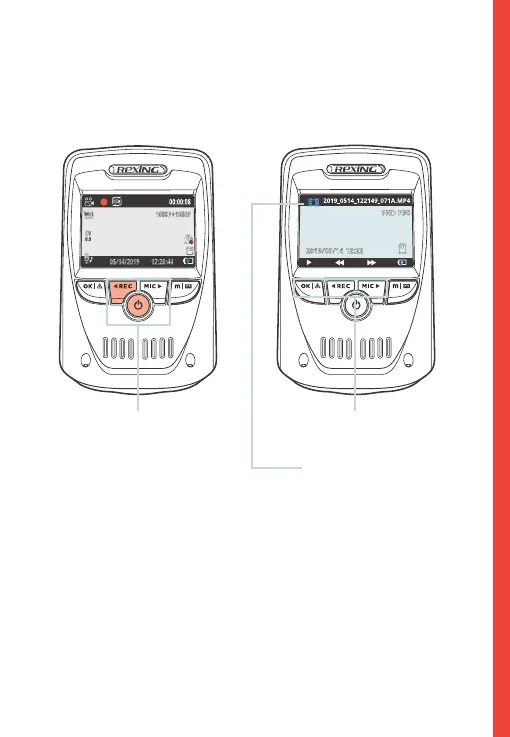
The camera will automatically start recording when the device
receives charge. The LED lights and red dot will blink red device
when recording. Press the REC button to stop recording.
The camera automatically
starts recording when
powered on
Control playback with OK,
REC and MIC button
Playback mode
Video Playback
Playback of videos can be done on the device or a computer.
To playback a video on the device, toggle to the Playback mode.
Use the REC and MIC buttons to toggle to the desired video.
Press the OK button to play.
During playback use the OK (pause), REC (rewind) and MIC (fast
forward) buttons to control the video playback.



 To Next Page